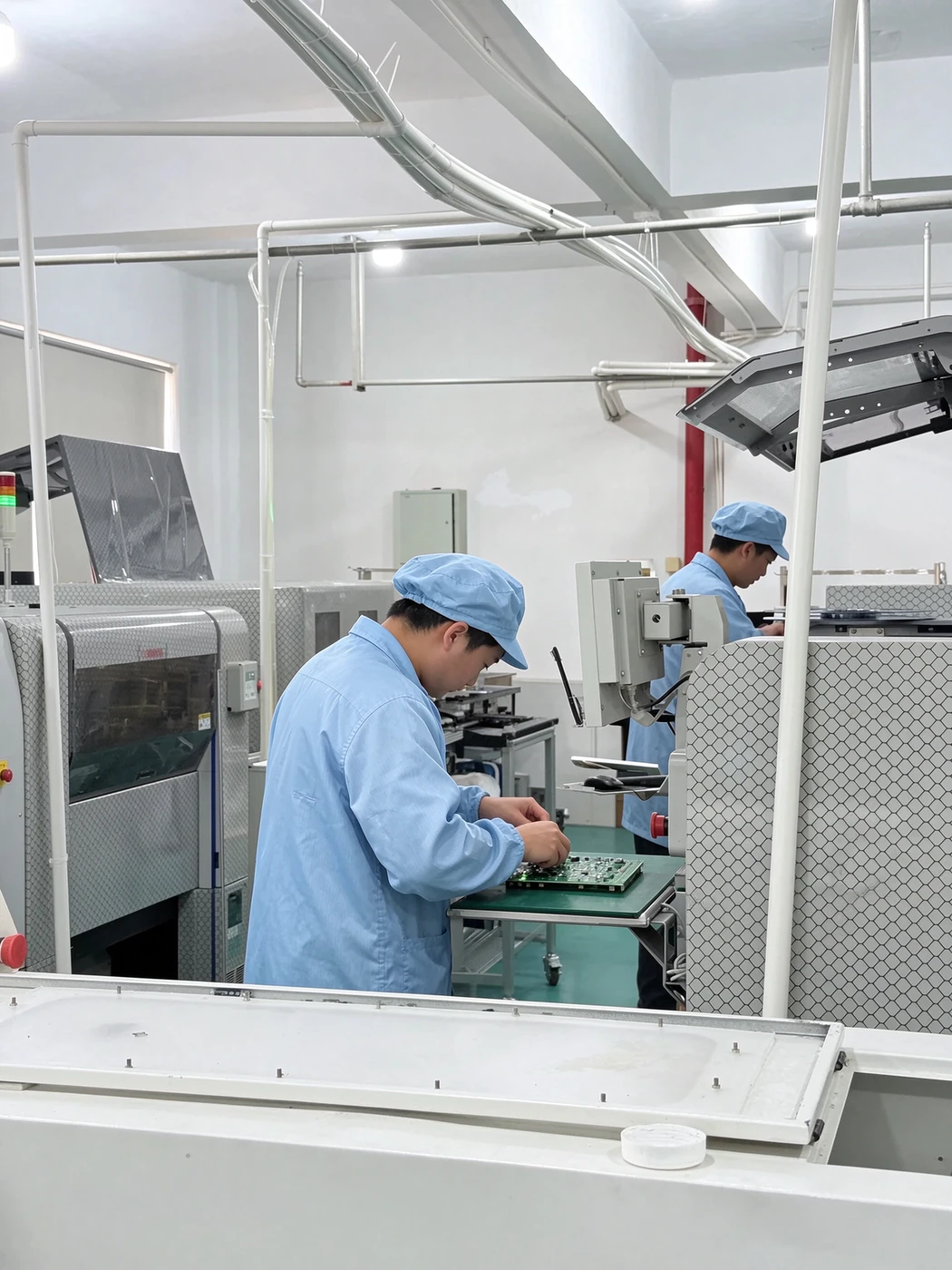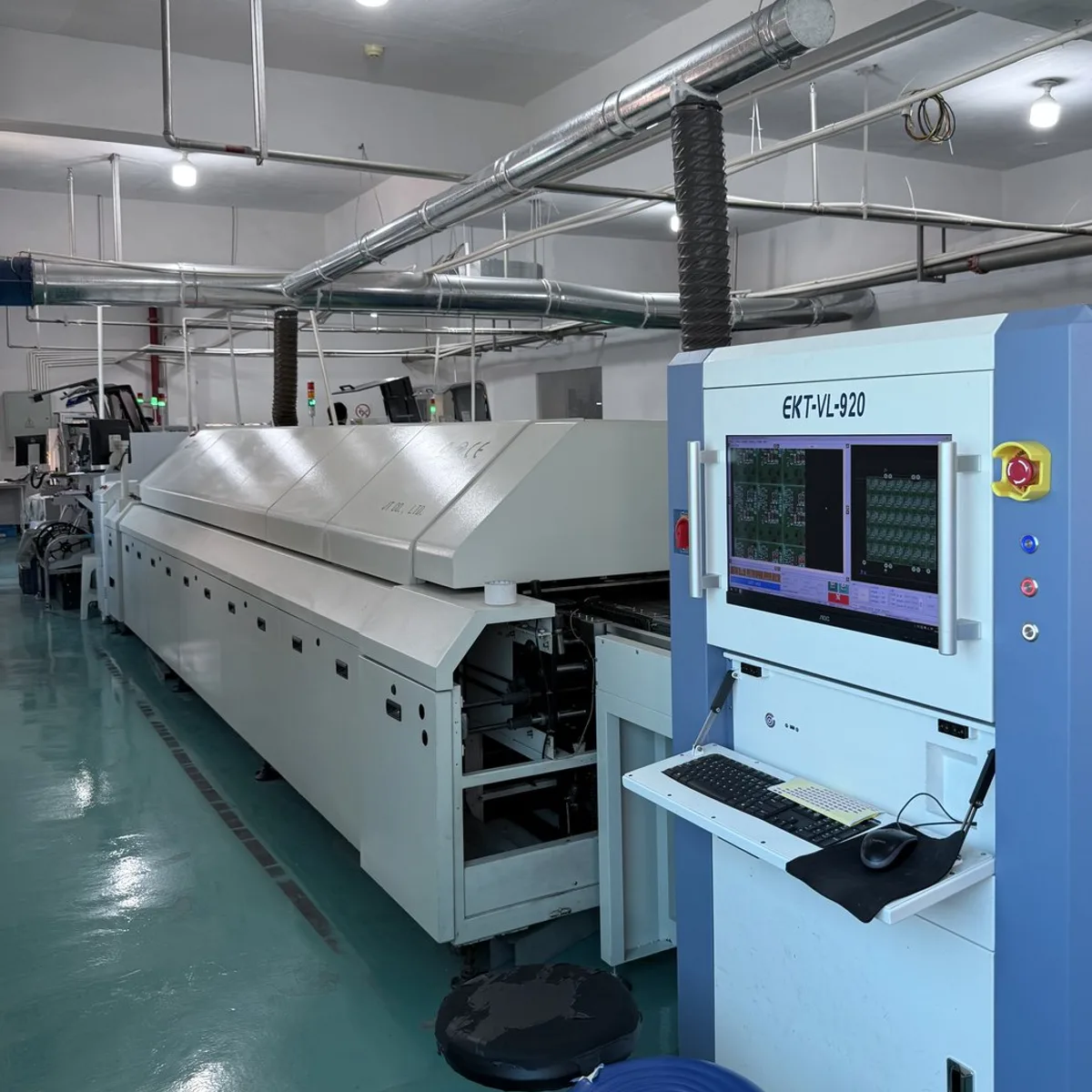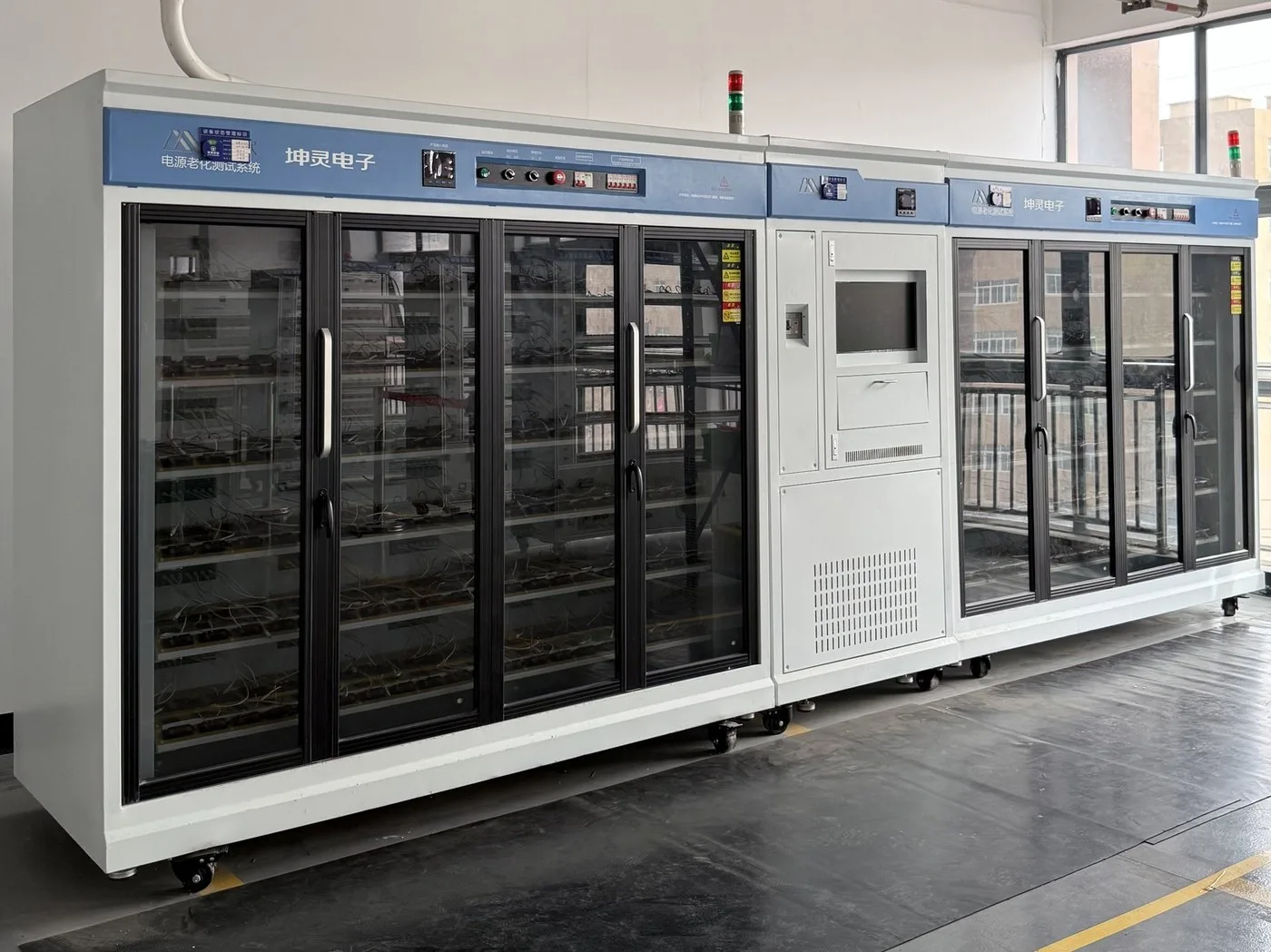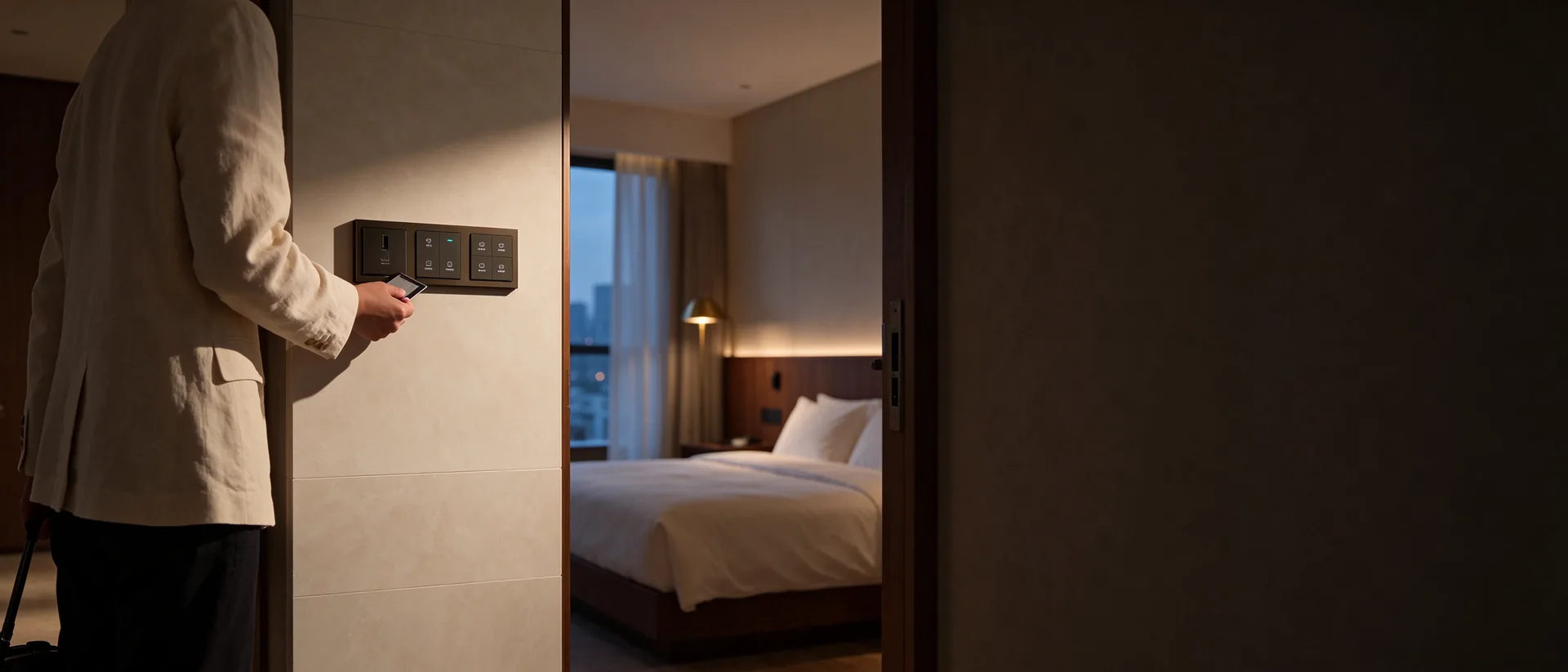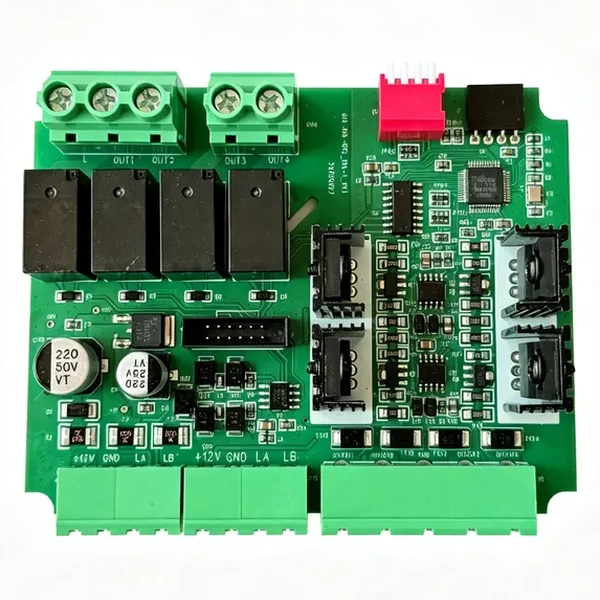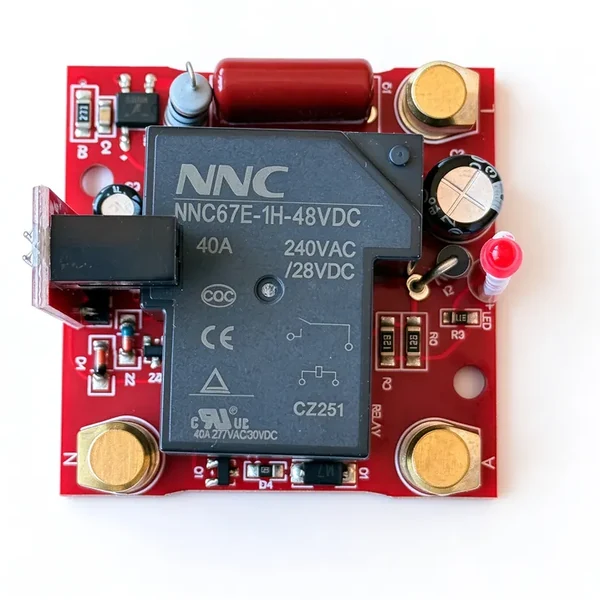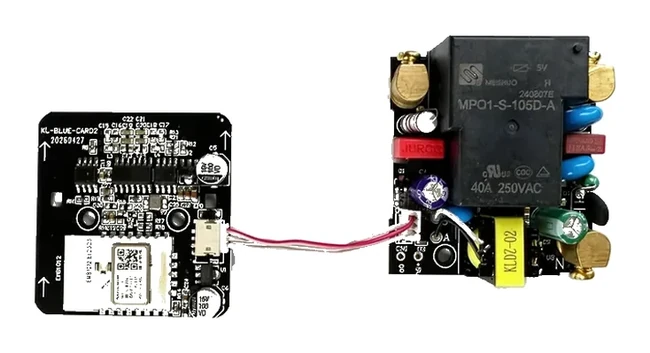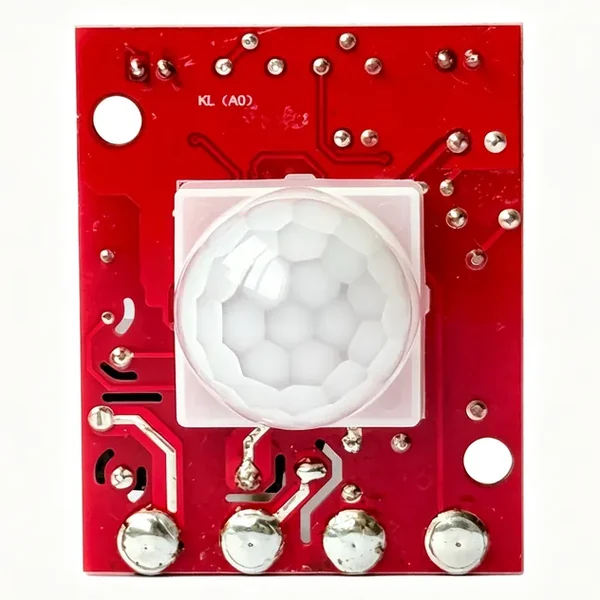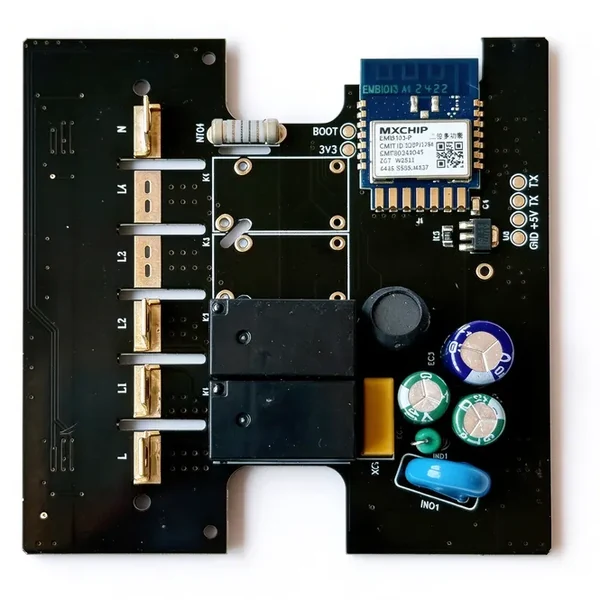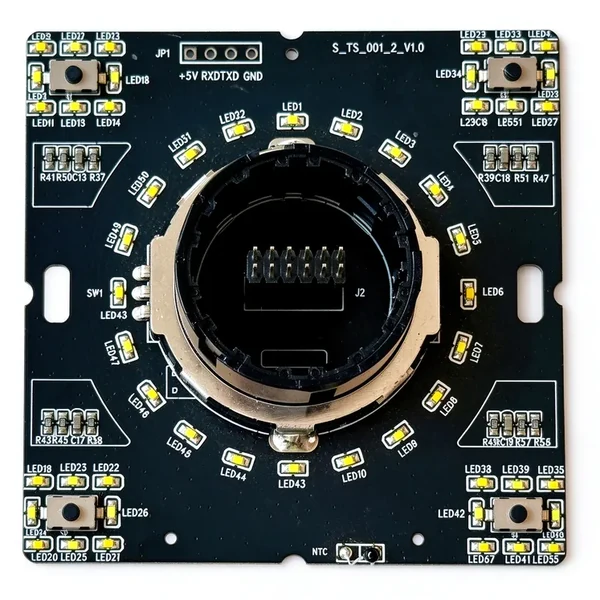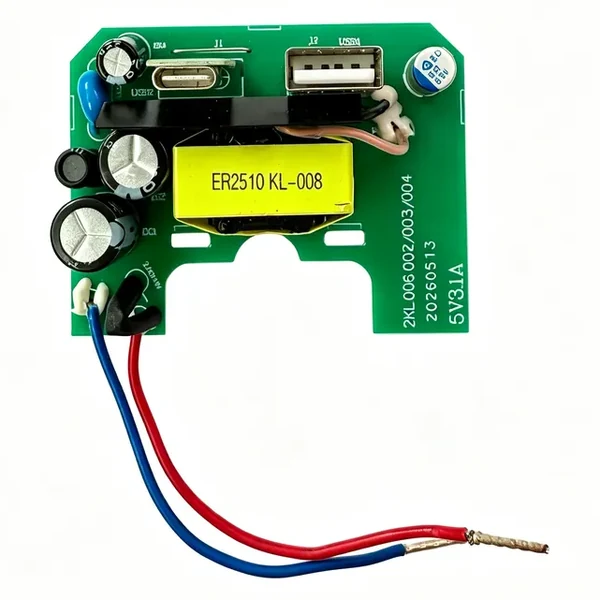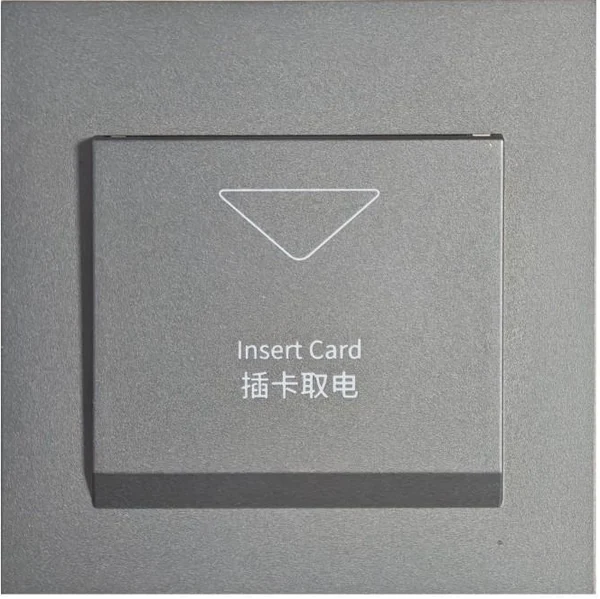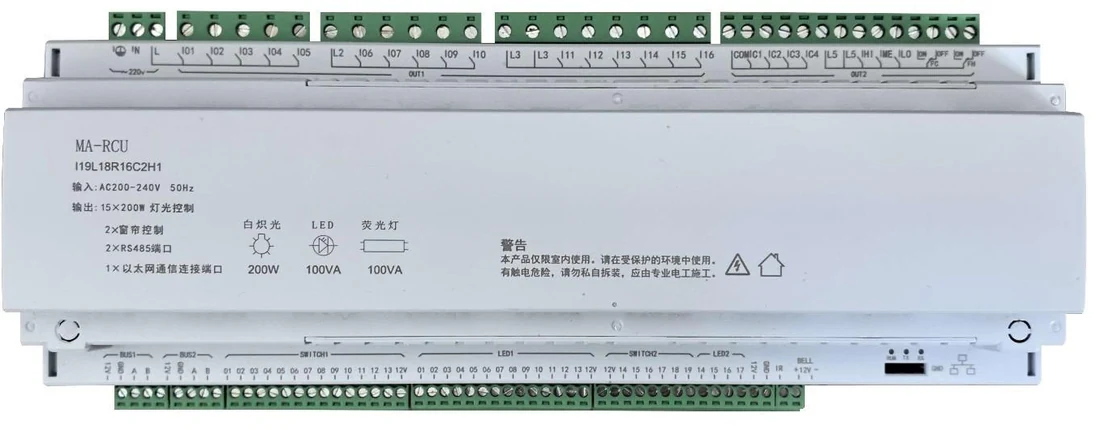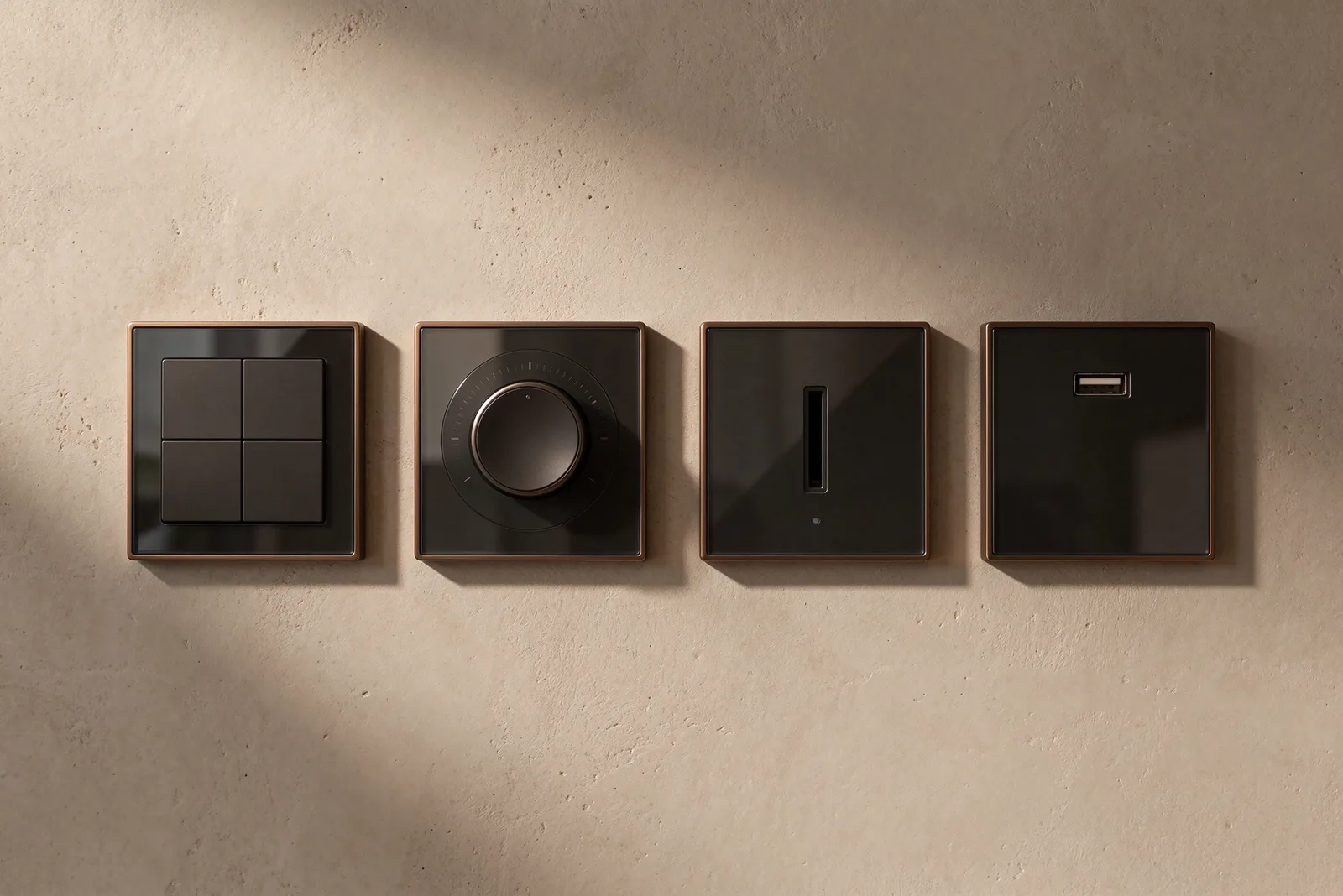
Card-power wiring check
Terminal identity, load check and first-power sequence.


QUELEN / Technical Support / 34
Documents, service tickets, training and technical references for the models already in a project.
First response in 1–3 business days · documents after model check
SUPPORT OVERVIEW
A useful answer needs the QL code, batch or project reference and the installation context. The support path is built around those inputs, not a generic contact inbox.
The QL code is printed on the product label or the packing label. If the code is not visible, send a photo of the label and the project name.
Released models have a public model page. Full datasheets, wiring files and test records are shared after the model and project are checked.
Normally within 1–3 business days. A complete ticket with model, batch, symptom and photos is answered faster than a one-line question.
Yes, if the model and batch can be identified. Start with the label photo and the distributor name; warranty terms may depend on the supply path.
It is reviewed per project. The site needs a named contact, network access and a clear commissioning scope before a remote session is scheduled.
Terminal identity, load check and first-power sequence.
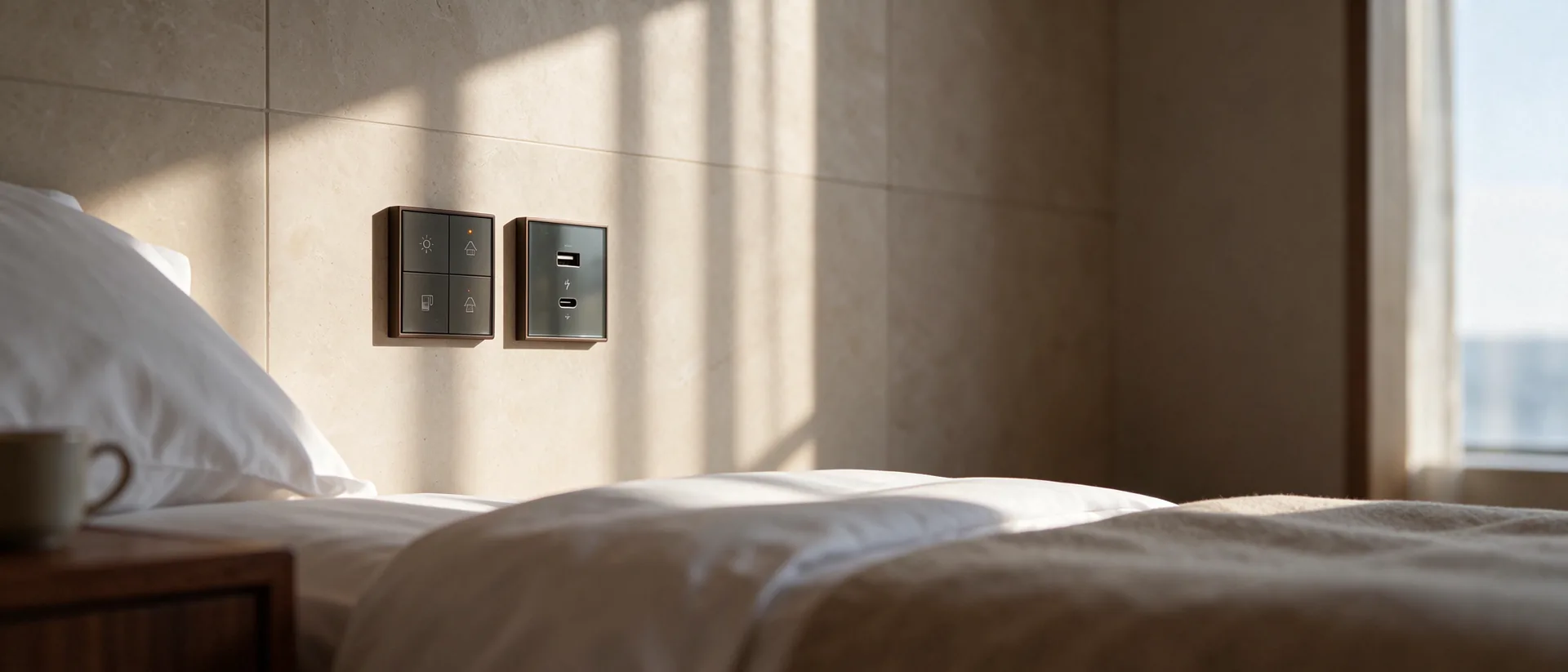
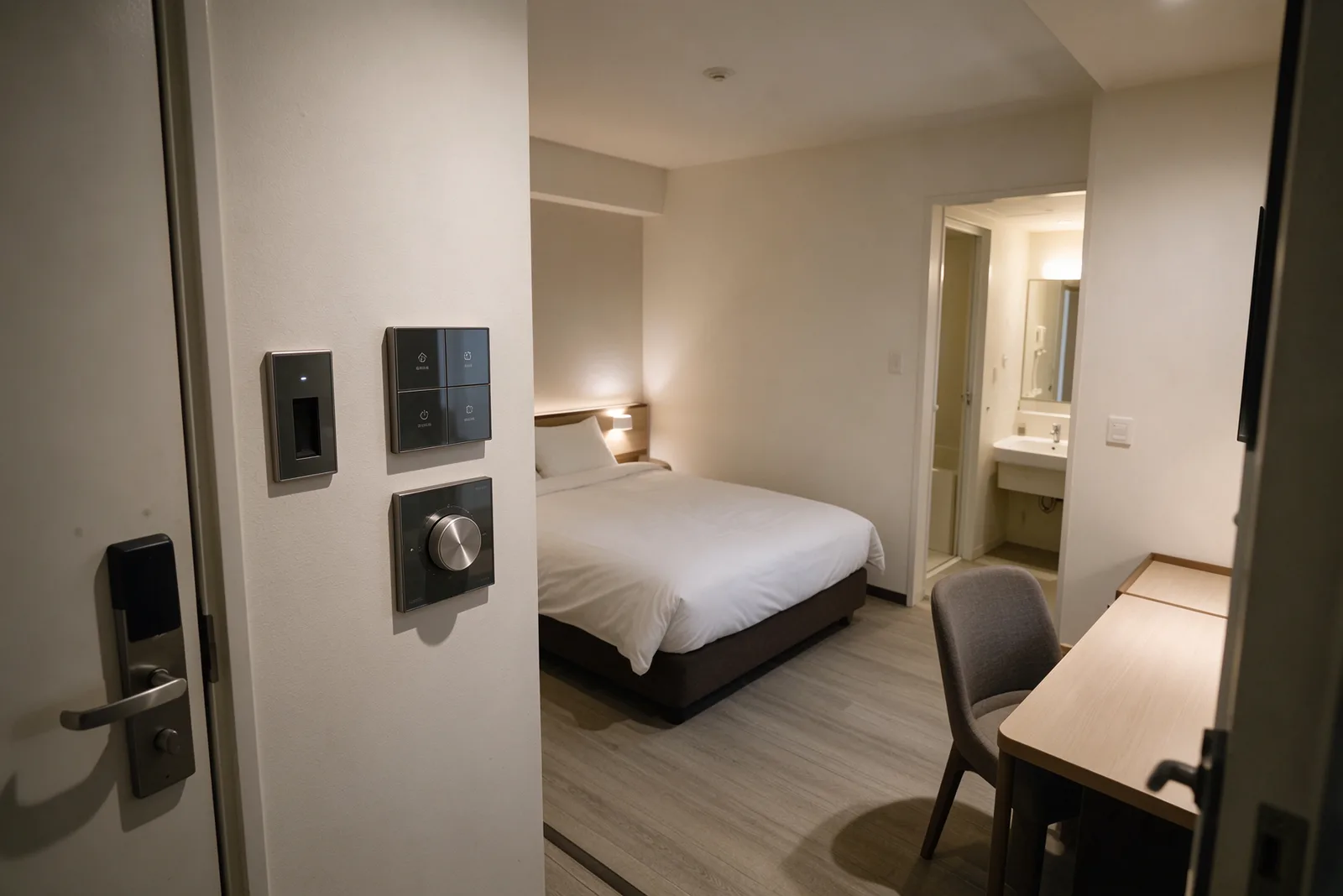
Panel fit, gang alignment and scene label check.
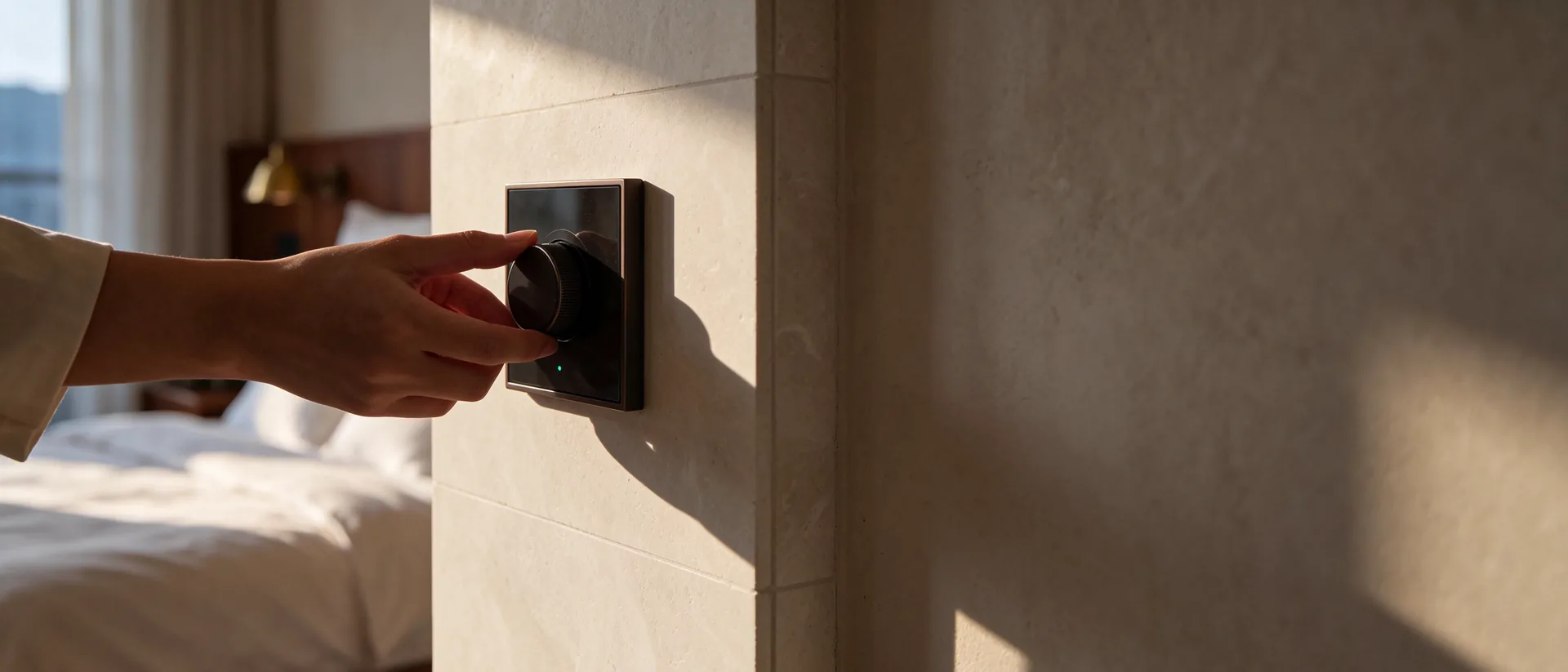
Set-point, valve behaviour and fallback review.
What to photograph before a remote troubleshooting session.
Send the room schedule, target market and the released QL code or validation model you are planning with. The team replies with the model questions, document set and sample plan.
QUELEN / LEGAL
Last updated: 24 November 2026
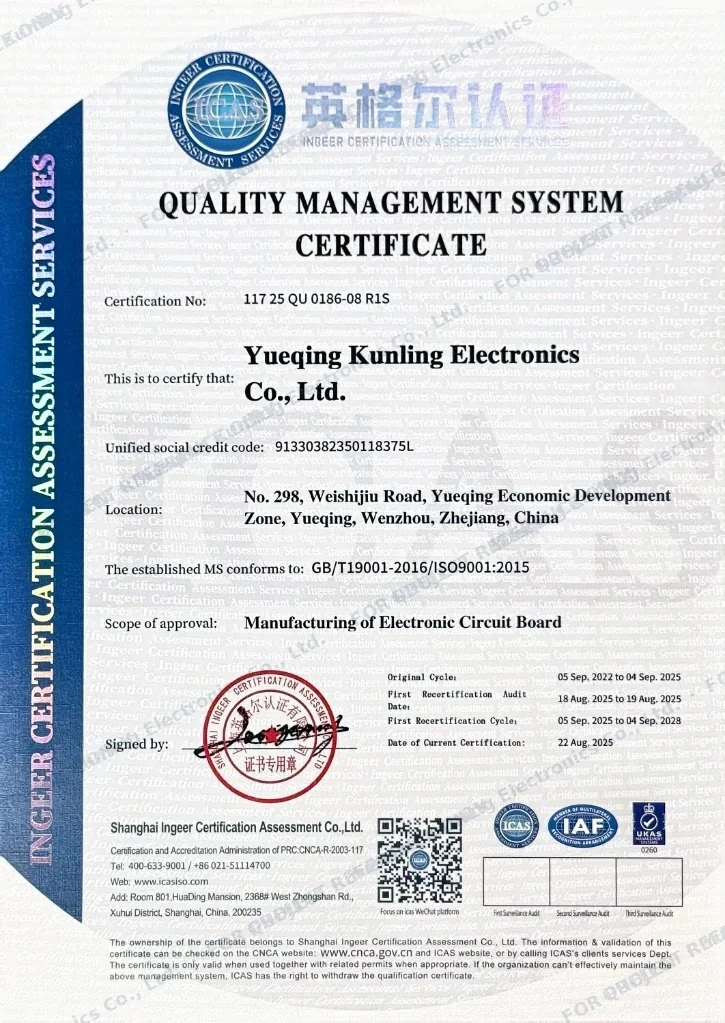
ISO 9001:2015 · Certificate 117 25 QU 0186-08 R1S · Scope: manufacturing of electronic circuit board · Valid 2025-09-05 → 2028-09-04. Issued by Shanghai Inger Certification Assessment Co., Ltd.