BUYER GUIDE / SPECIFICATION
Specify hotel room control: an eight-step checklist
A practical sequence from room types and guest scenes to a released model list, a sample room and a controlled change process.
1. Lock the room types first
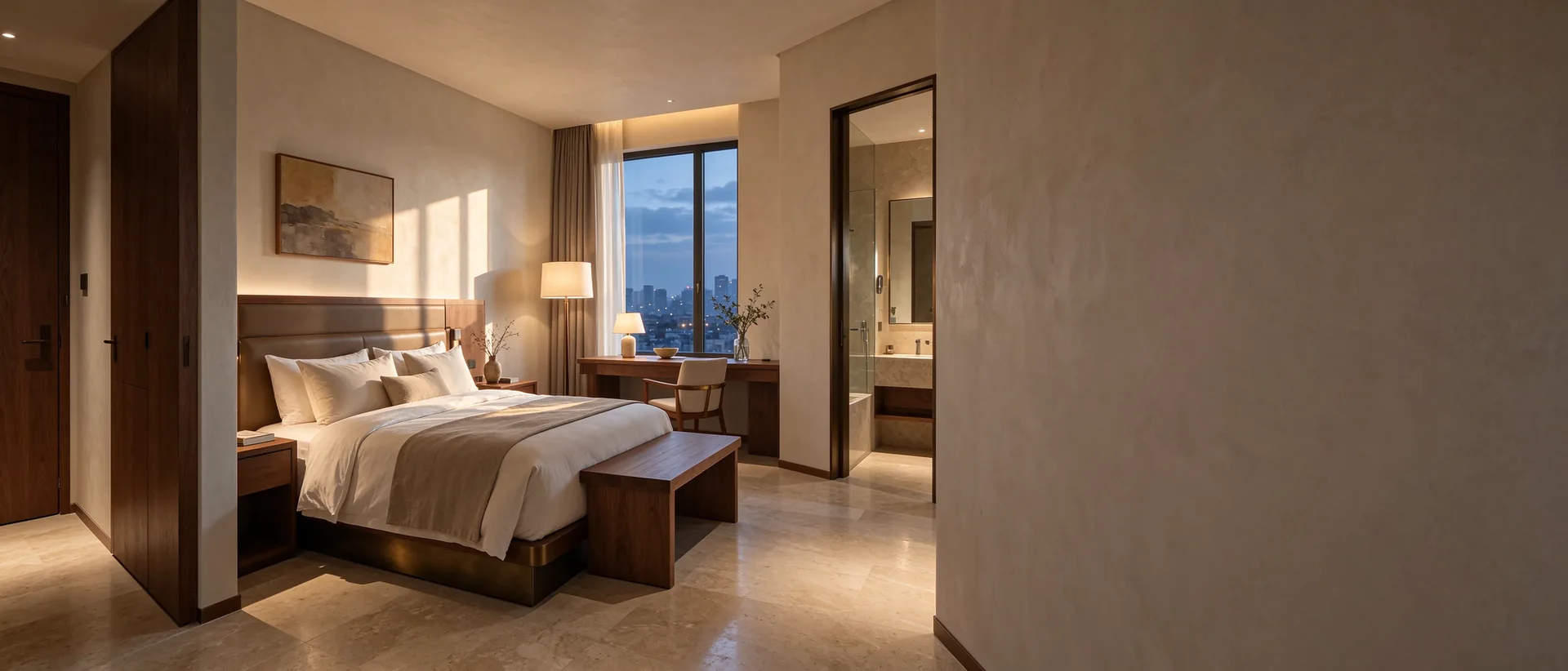
Start with the keys, not an average room. A standard room, a suite, an accessible room and a connecting room can need different panel gangs, switch positions and status logic. Write the differences down before anyone selects a controller.
2. Map the guest journey
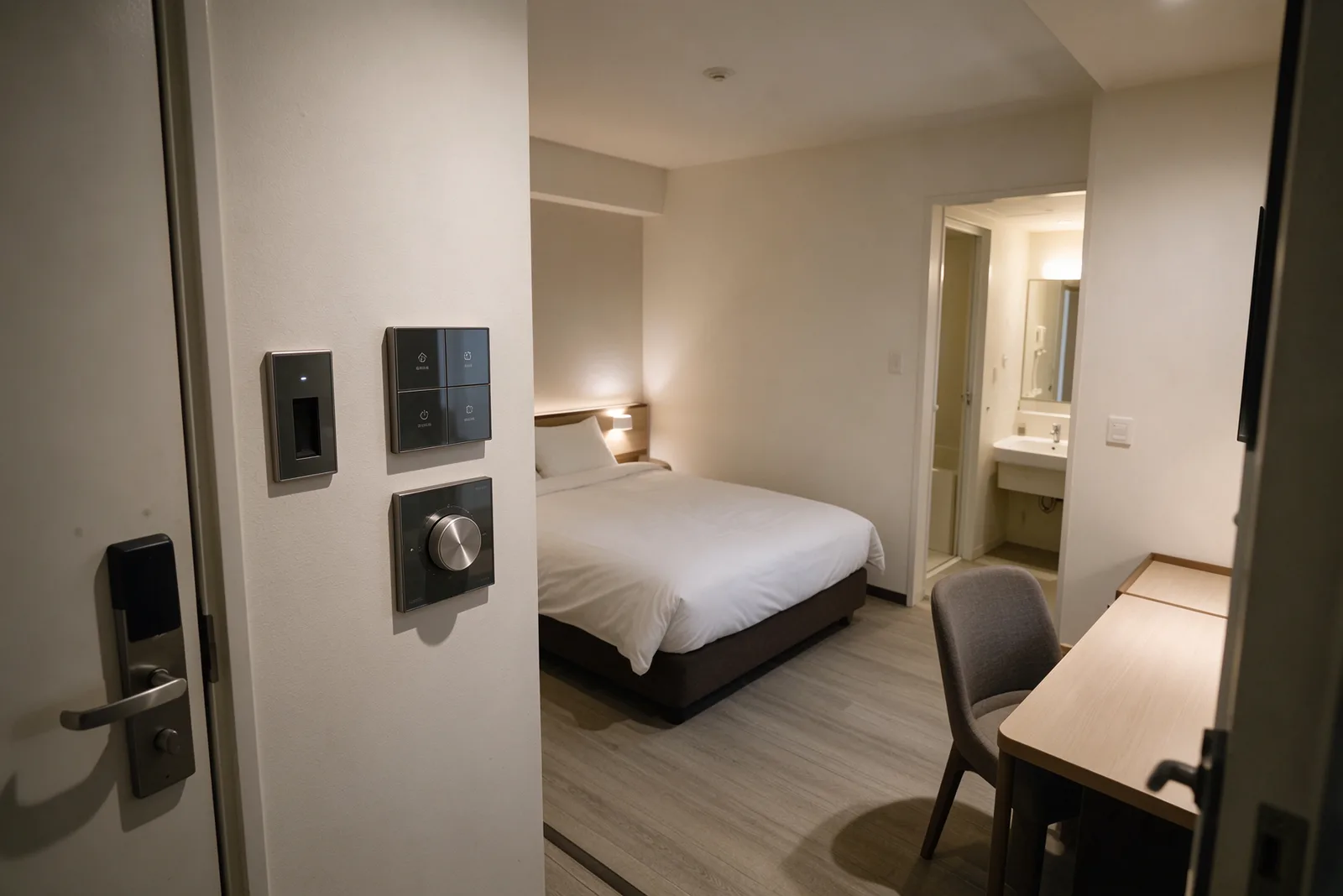
Walk the room in sequence: arrival, card insertion, welcome scene, bedside control, sleep, wake-up and check-out. Each step should identify what the guest sees, what changes and what happens when the action fails.
3. Separate functions from products
Describe the function first: switch a lighting group, dim a circuit, read a sensor, display room status, call for help. Then map the function to a model. Starting with a product name usually hides a missing interface.
4. Fix the architecture boundary
Decide where room logic sits and how the room meets the building. Wireless, wired, RS485 and modular chassis all move that boundary. The question is not which is newest; it is which fits the cabling, head-end and opening sequence.
5. Build a model schedule, not a shopping list
Use one line per zone and function: location, function, QL code or validation status, quantity, spare and replacement note. This is the document a contractor can price and a supplier can check.
6. Check loads, wiring and mechanical fit
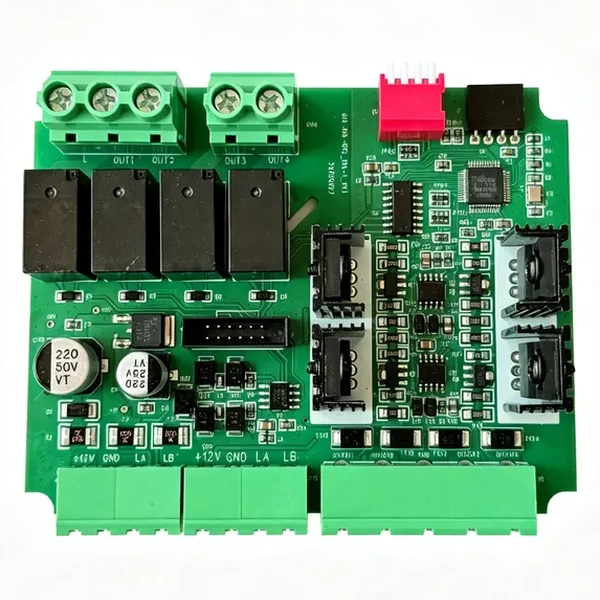
A model name does not confirm a load. Check voltage, load type, dimming compatibility, terminal identity and wall-box depth. For a retrofit, add a photo and a wiring check before the model is frozen.
7. Mark release status before quotation
The public catalogue contains 29 released models with QL codes and 23 models in validation. Keep the two groups separate. A validation item can be discussed, but it should not be quoted as a released product.
8. Prove it in a sample room, then control changes
The sample room is the approval point for fit, scenes, status and documents. Freeze the approved configuration. Later changes should be recorded against the schedule so the next batch does not silently differ.
A supplier cannot quote responsibly from a mood board. The room schedule, load check and release status are the minimum inputs for an accurate answer.
BUYER GUIDE / KEYCARD
Keycard switch selection: photoelectric, RF or wireless
What changes between card-power options, which checks matter in a retrofit, and what to confirm before a rating or a protocol is published.
What the card switch actually controls
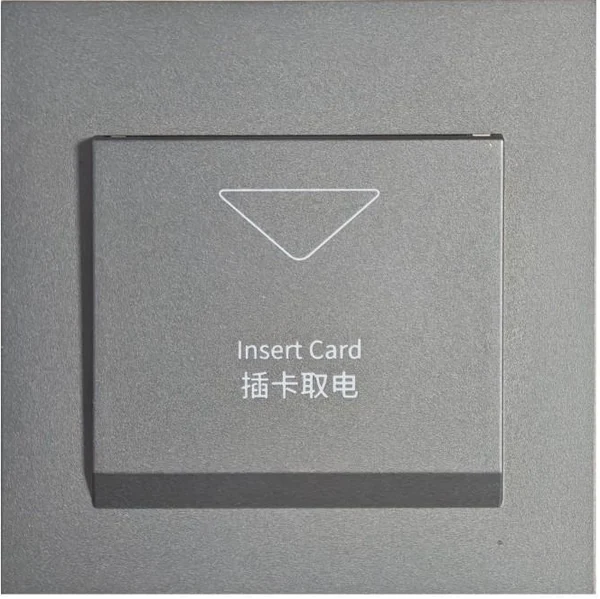
A card switch is an entry device plus a power policy. It can switch the room load, signal occupancy to a controller, trigger a welcome scene and release the room at check-out. Those functions are often mixed together in a short specification; separate them before selecting a model.
Photoelectric card boards
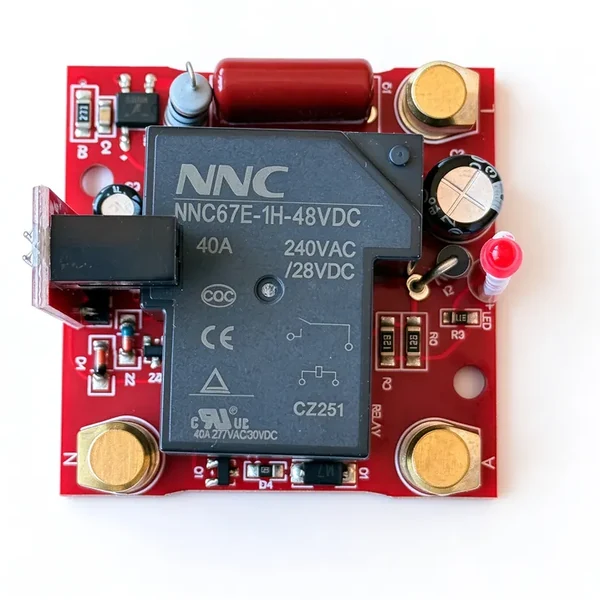
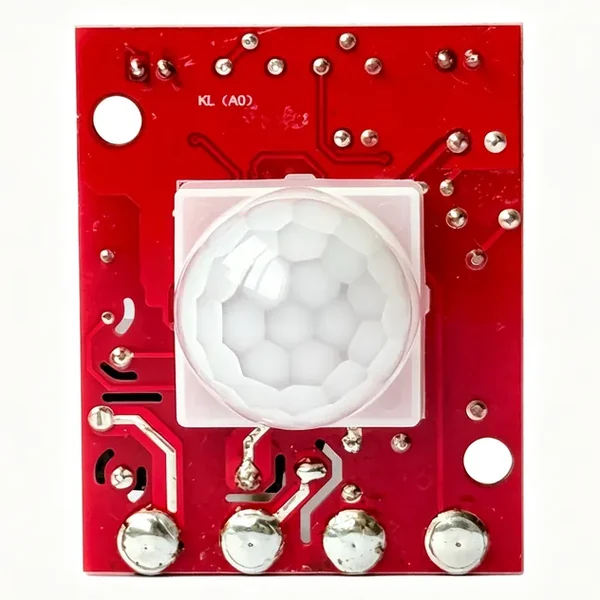
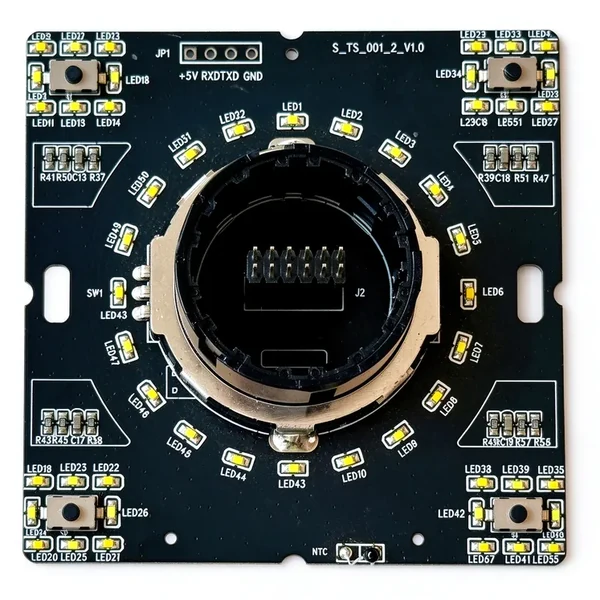
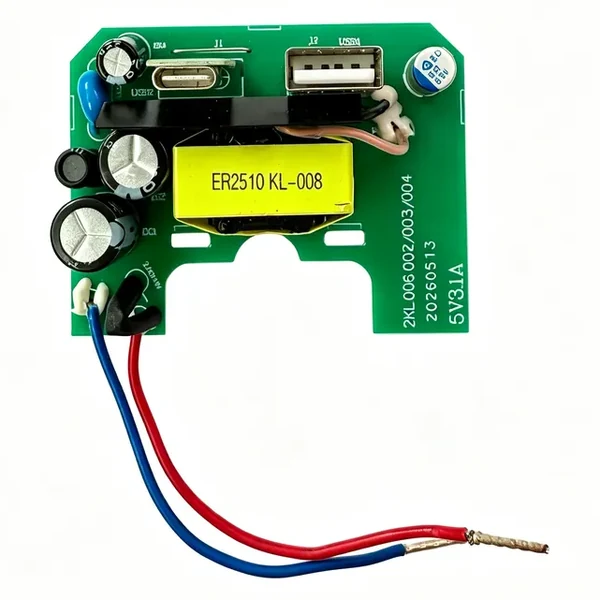
Photoelectric detection is a common choice for a self-contained card-power board. It suits replacement work where the existing wall box and load path can be reused. Confirm the card format, standby behaviour and the load path before assuming a drop-in replacement.
RF card modules
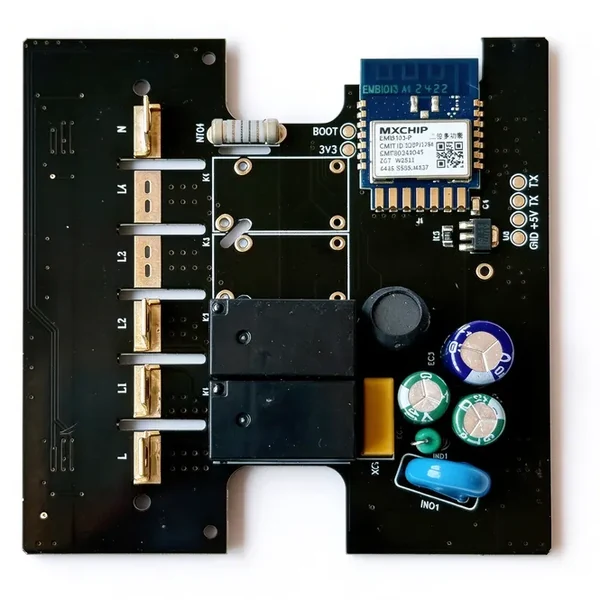
An RF card module adds a reader and a control interface. It is useful when the room already has a controller or when card identity needs to be passed to room logic. Check the read frequency, card type and interface with the controller; do not treat RF as a universal protocol.
Wireless and controller-linked entry
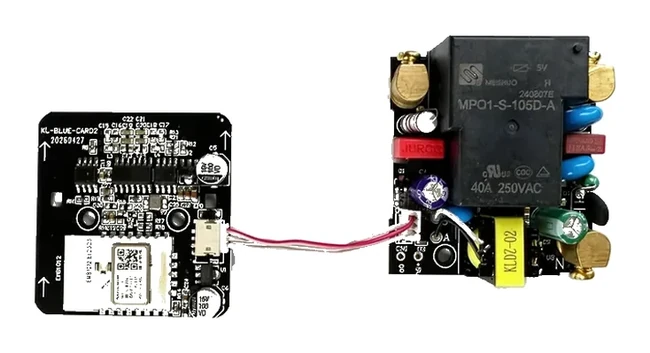
A wireless entry device can reduce a cable drop, but it still needs power, pairing and a room gateway. The advantage is installation flexibility; the cost is another device that must be commissioned and diagnosed.
The rating question
Do not publish a current rating from a family name or an old catalogue line. The exact model, load type and destination requirement must agree. If two documents show different values, resolve the model version before the value appears in a tender.
Retrofit checks
Photograph the existing wall box, terminals, card type and load. Confirm neutral availability, depth, finish and whether the existing status board shares the same entry circuit. These details decide whether the project is a board swap or a small rewire.
Documents to request
Ask for the model datasheet, terminal schedule, card compatibility note and the test record for the exact version. For a private-label or controller-linked version, add the interface note and the approved sample record.
Card power is an electrical and guest-behaviour decision. It is not only a finish choice. The model and the installation context must be checked together.
BUYER GUIDE / ARCHITECTURE
Centralized RCU vs distributed control
Wiring, commissioning, failure isolation and retrofit fit compared — without treating one architecture as universally better.
Define the two models
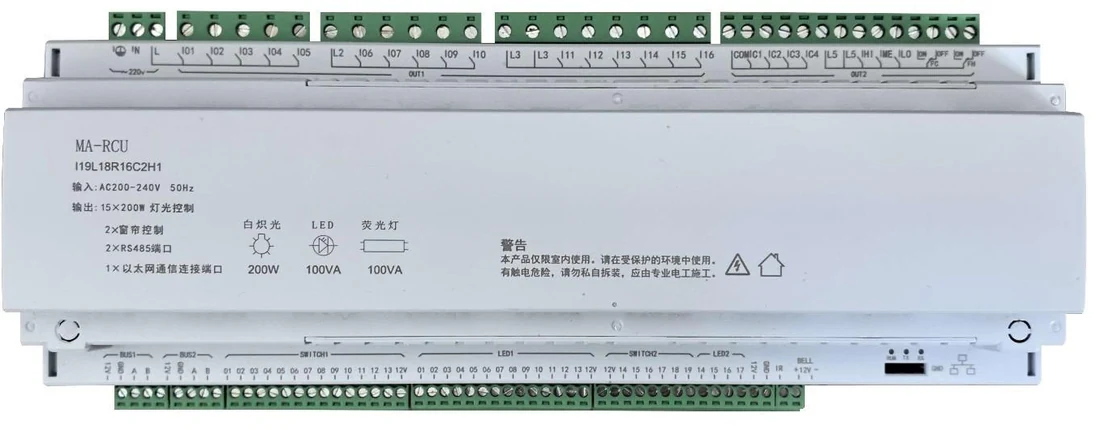
Centralized control places room logic in a shared controller or floor cabinet. Distributed control places more logic in the room or at the device. The difference is not only hardware; it changes cable routing, access, spare strategy and how a failure affects the floor.
Wiring and building fit
A centralized cabinet can simplify floor-level access, but it needs a riser, a cable schedule and a controlled cabinet location. Distributed room controllers reduce the home-run cabling but add devices in each room. New-build projects can plan either; occupied retrofit projects are constrained by what is already behind the wall.
Commissioning and change control
Centralized systems concentrate configuration, which can make a floor-level change faster but also raises the blast radius of an error. Distributed systems localize the change but multiply the number of room records. Either way, the approved room schedule is the reference.
Failure isolation
Ask what fails when one controller, gateway or segment goes down. A centralized cabinet may affect several rooms; a distributed controller may affect one. The project should state the fallback behaviour for lighting, HVAC and emergency status before the architecture is frozen.
Retrofit reality
If the riser is inaccessible, a wired centralized design may not be deliverable at a sensible cost. Wireless or a hybrid room package can be the better fit. If the floor is open and the head-end is planned, a wired architecture can give a cleaner long-term maintenance path.
A decision table helps
Compare room count, cable path, cabinet space, head-end protocol, service access, spare policy and opening sequence. A short table with those rows is more useful than a slogan about centralized or distributed being modern.
What to ask the supplier
Ask for the topology drawing, the room boundary, the failure behaviour and the model status of every device in the package. If the answer changes when the room count changes, the architecture was not fixed.
The right architecture is the one that fits the building, the service model and the opening date. Product preference should follow those constraints.