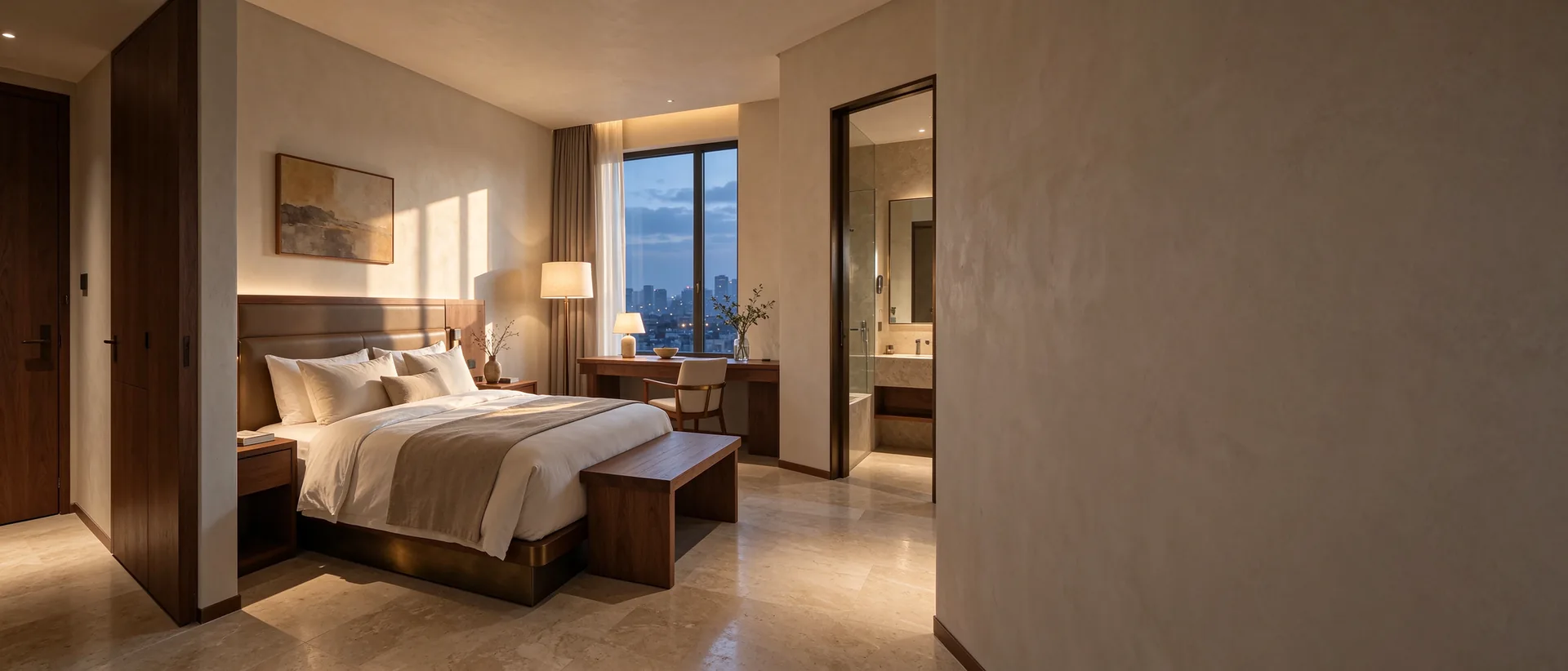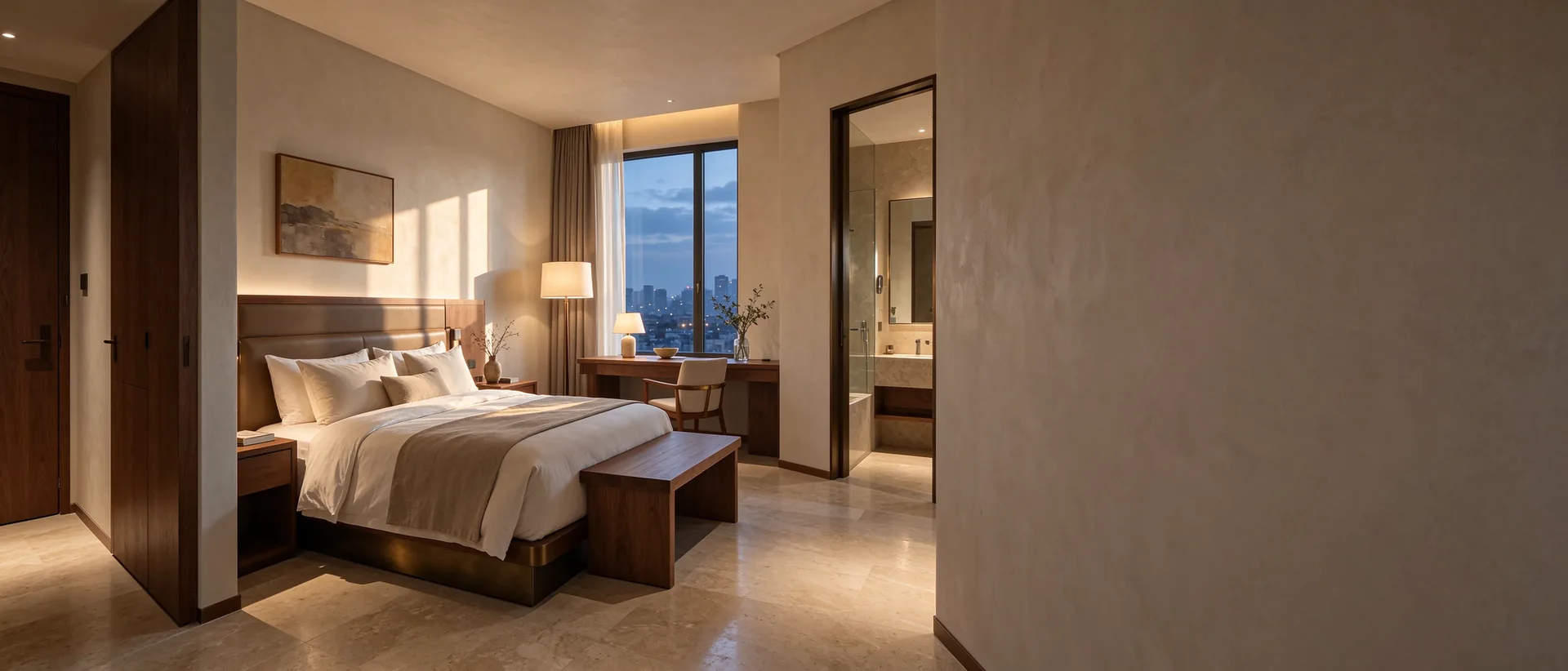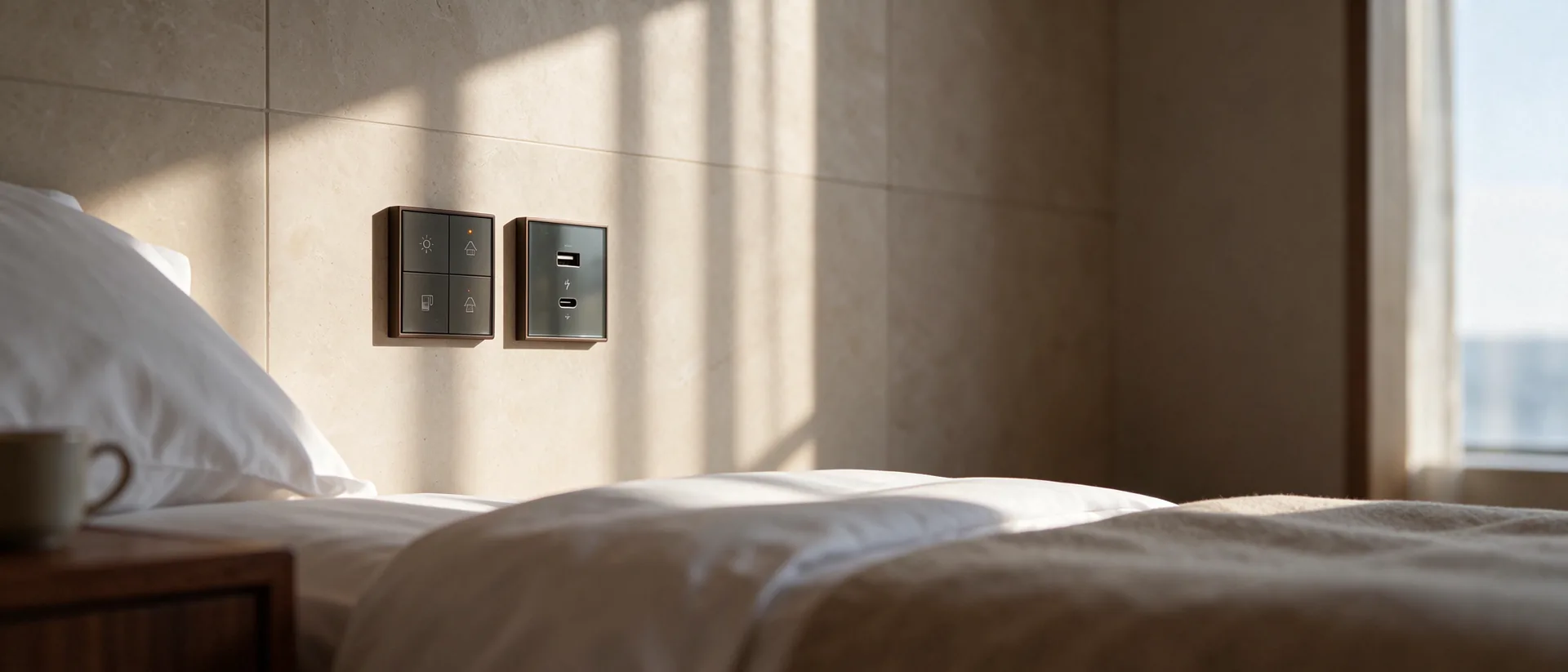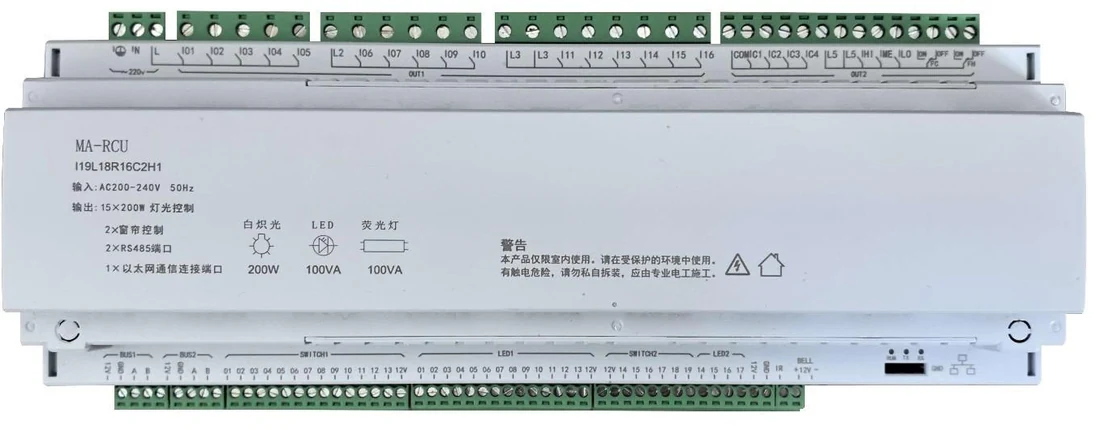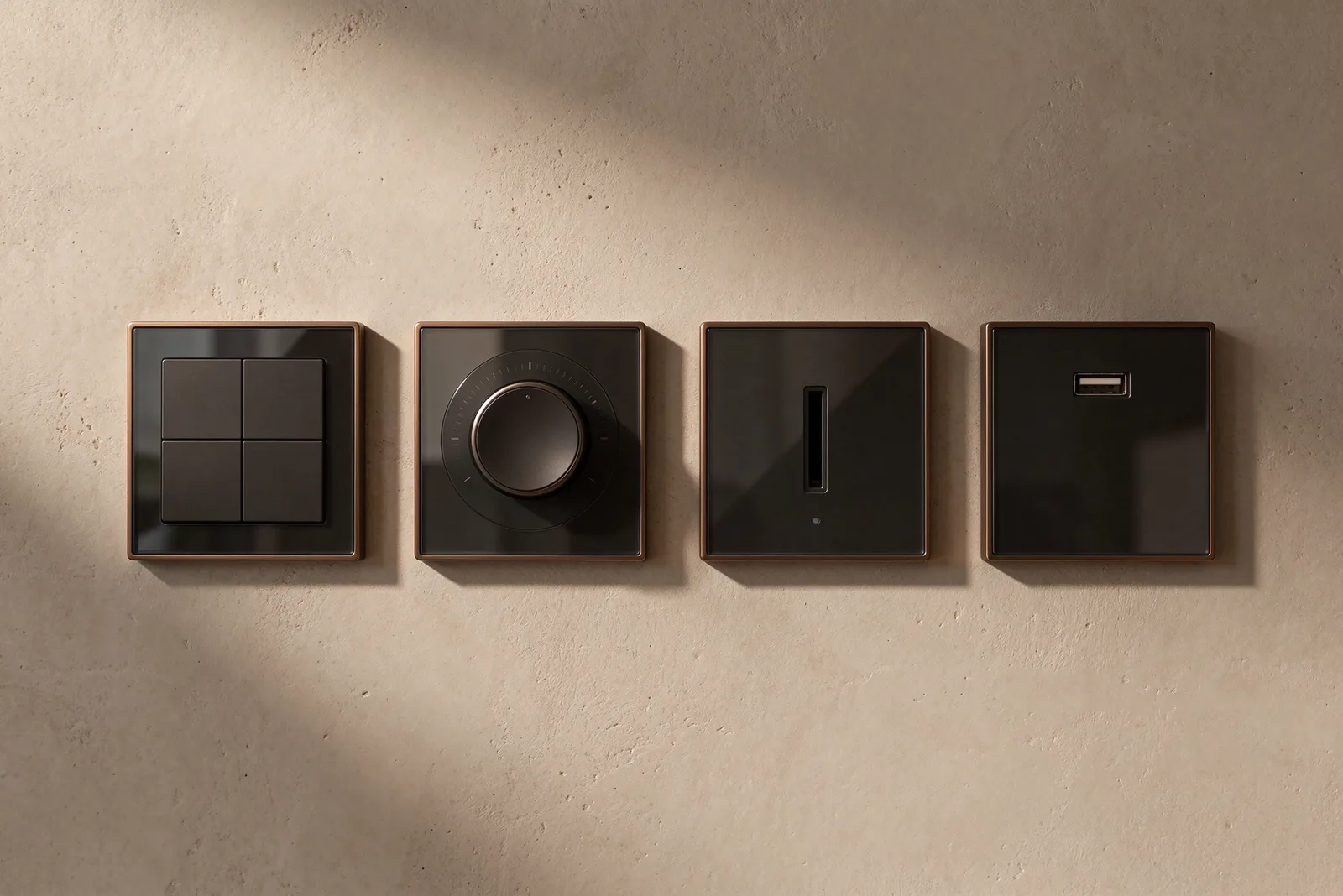
Panel fit and gang alignment
Check the wall box, frame and scene label before first power.


QUELEN / Technical Support / 45
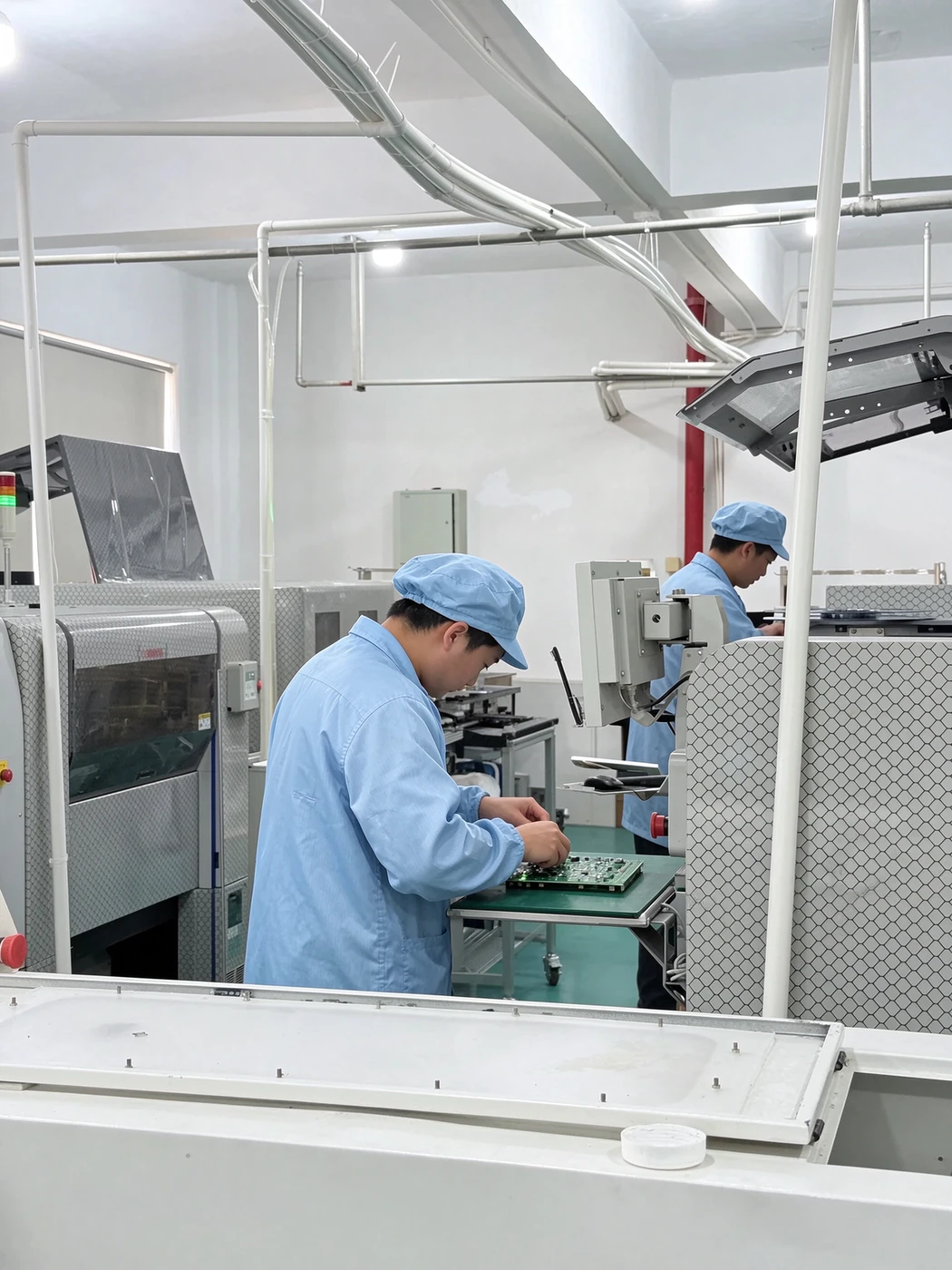
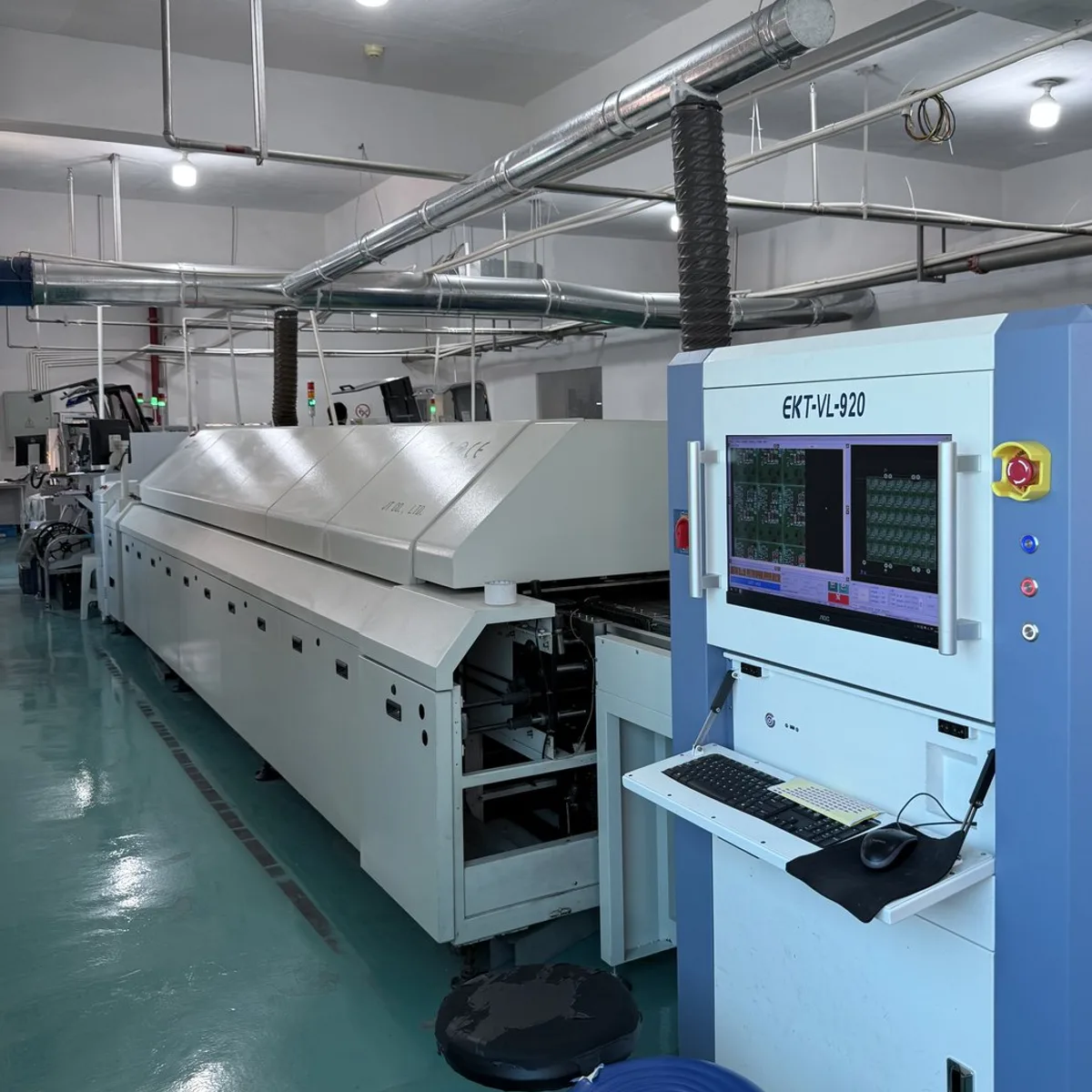
Short installation and commissioning clips for the steps that cause the most site questions: fit, terminals, scenes and status.
Installation · commissioning · status · ticket evidence
Short installation and commissioning clips for site teams.
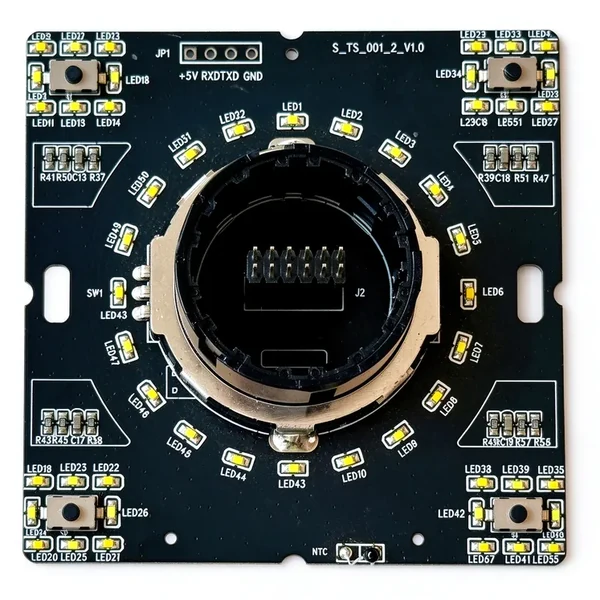
Check the wall box, frame and scene label before first power.
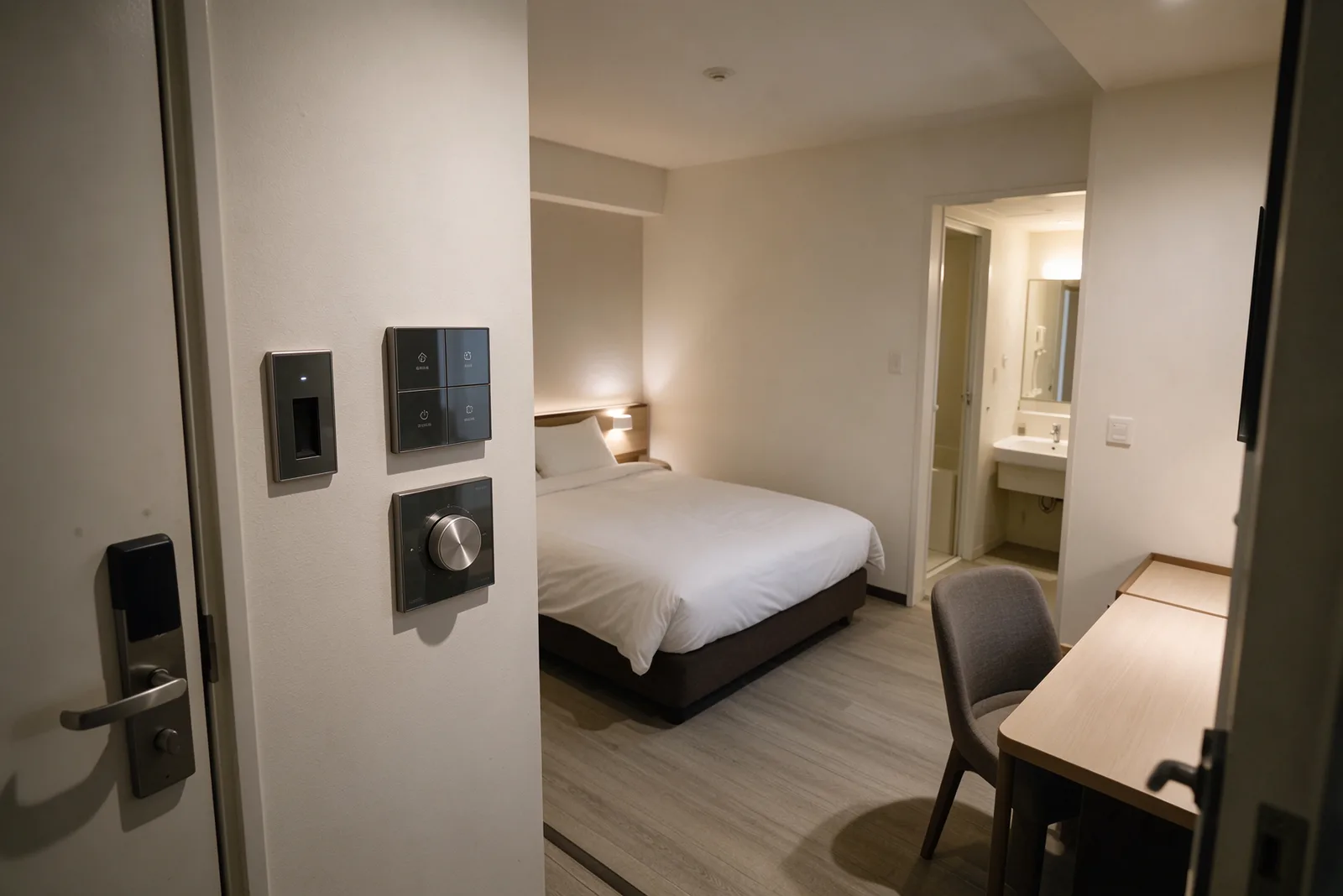
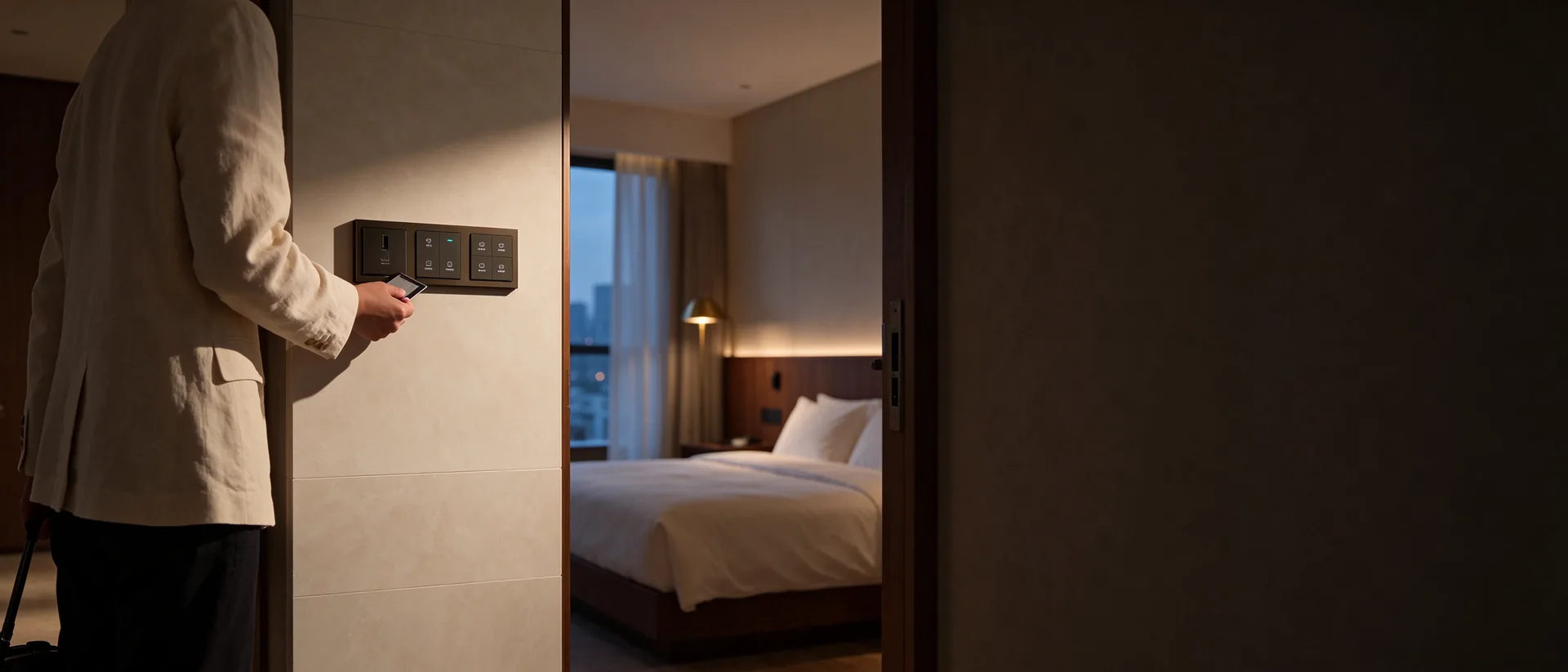
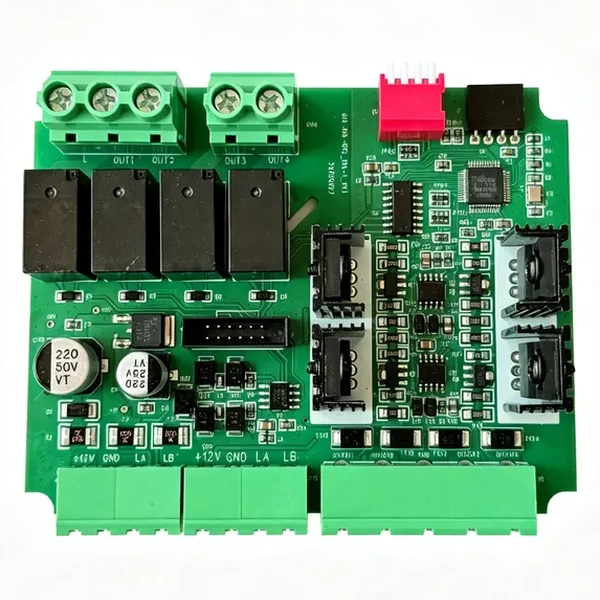
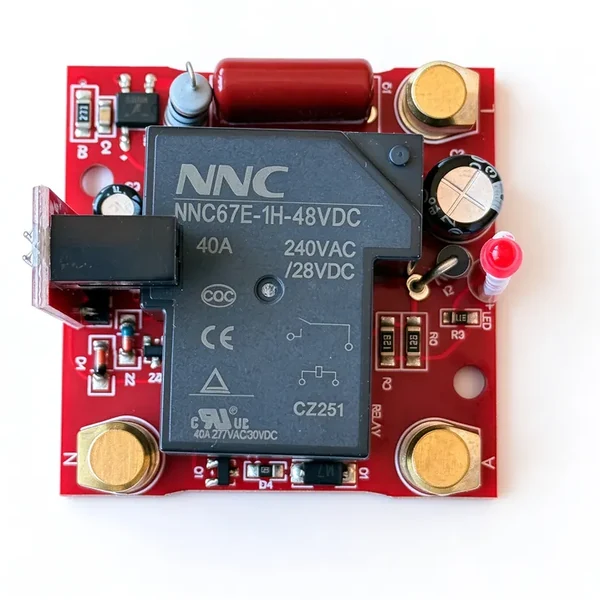
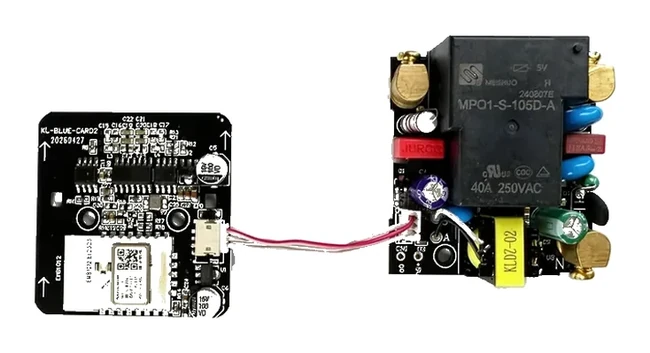
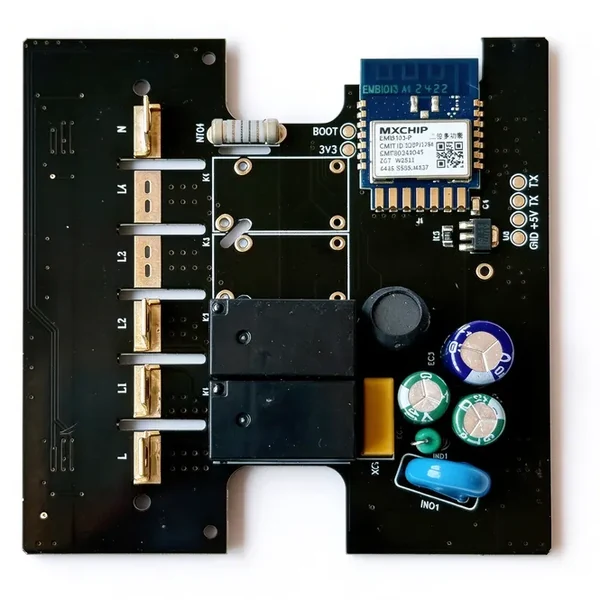
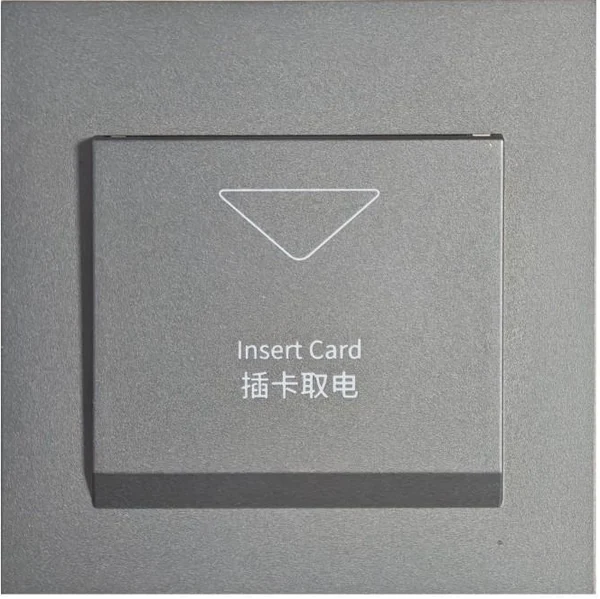
Identify live, neutral, load and the card-switch interface.
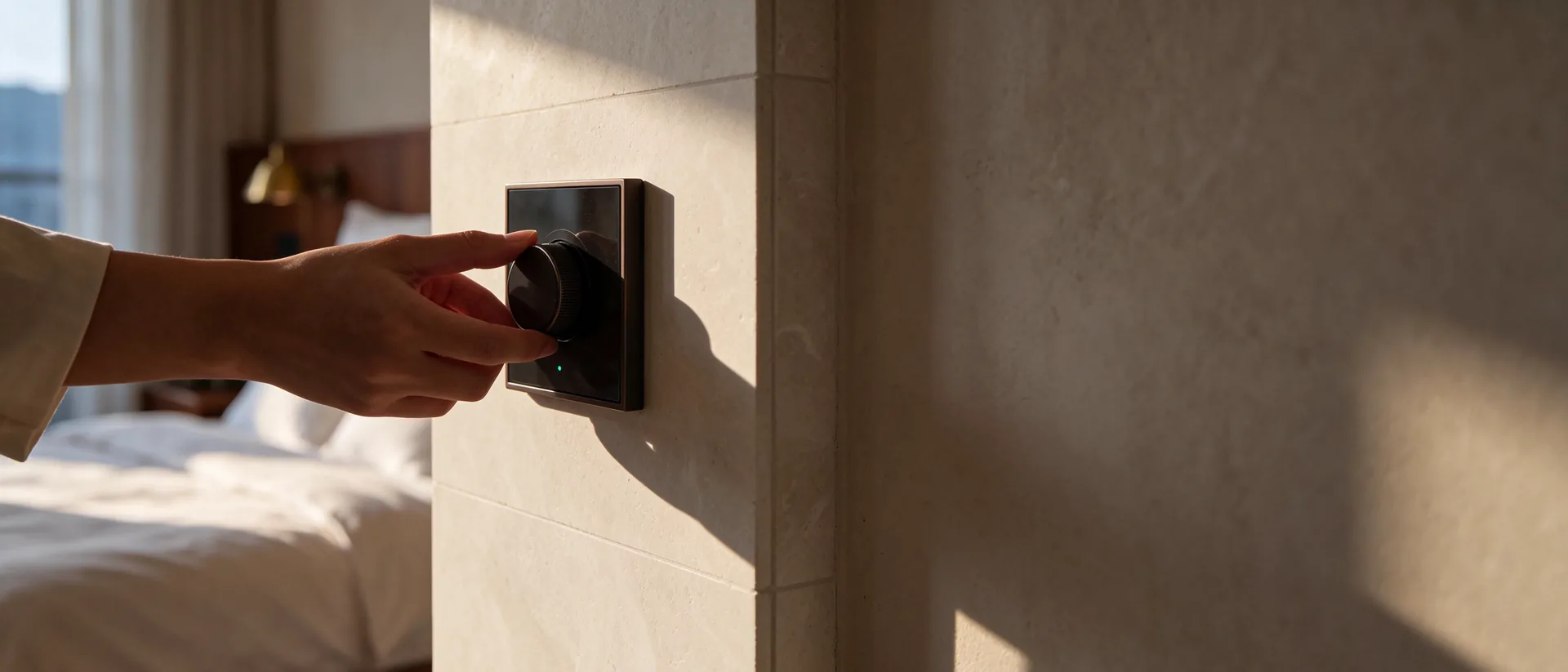
Set scene levels, check set-point and record the fallback.
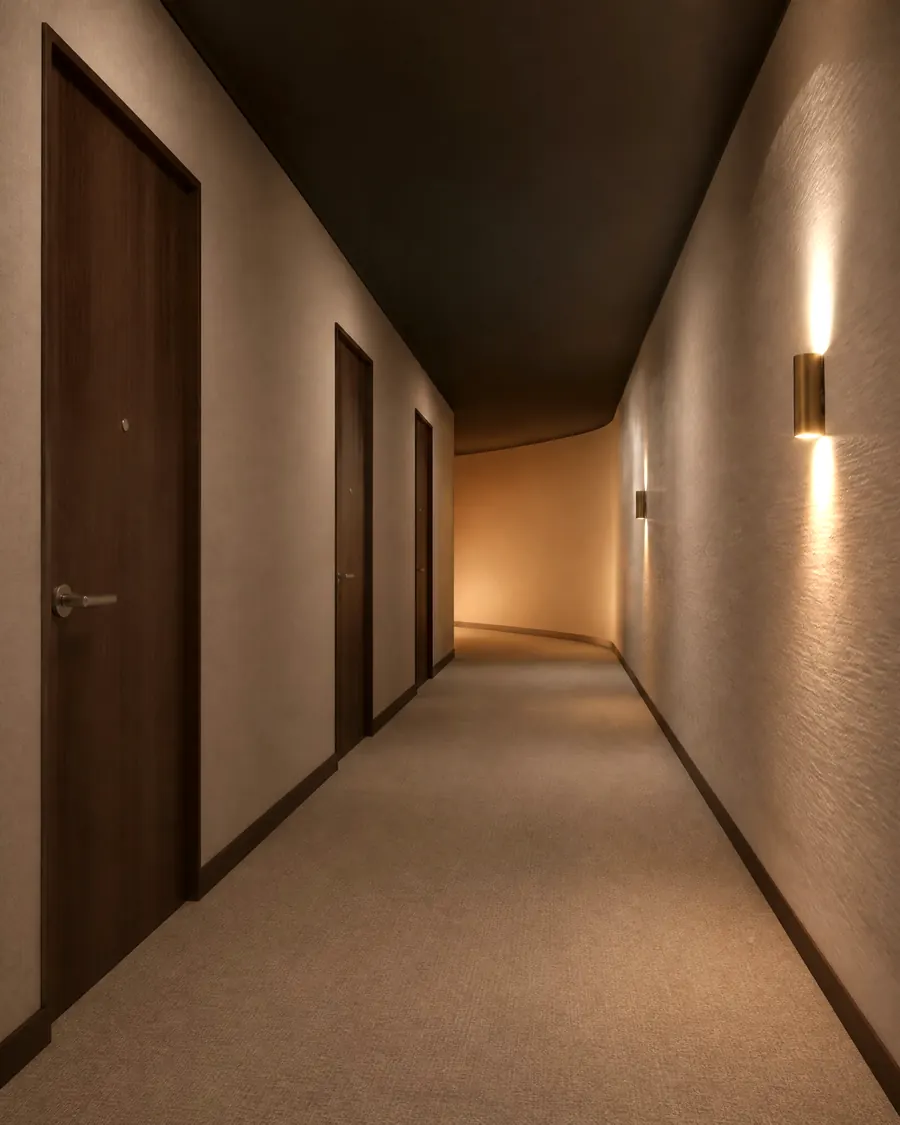
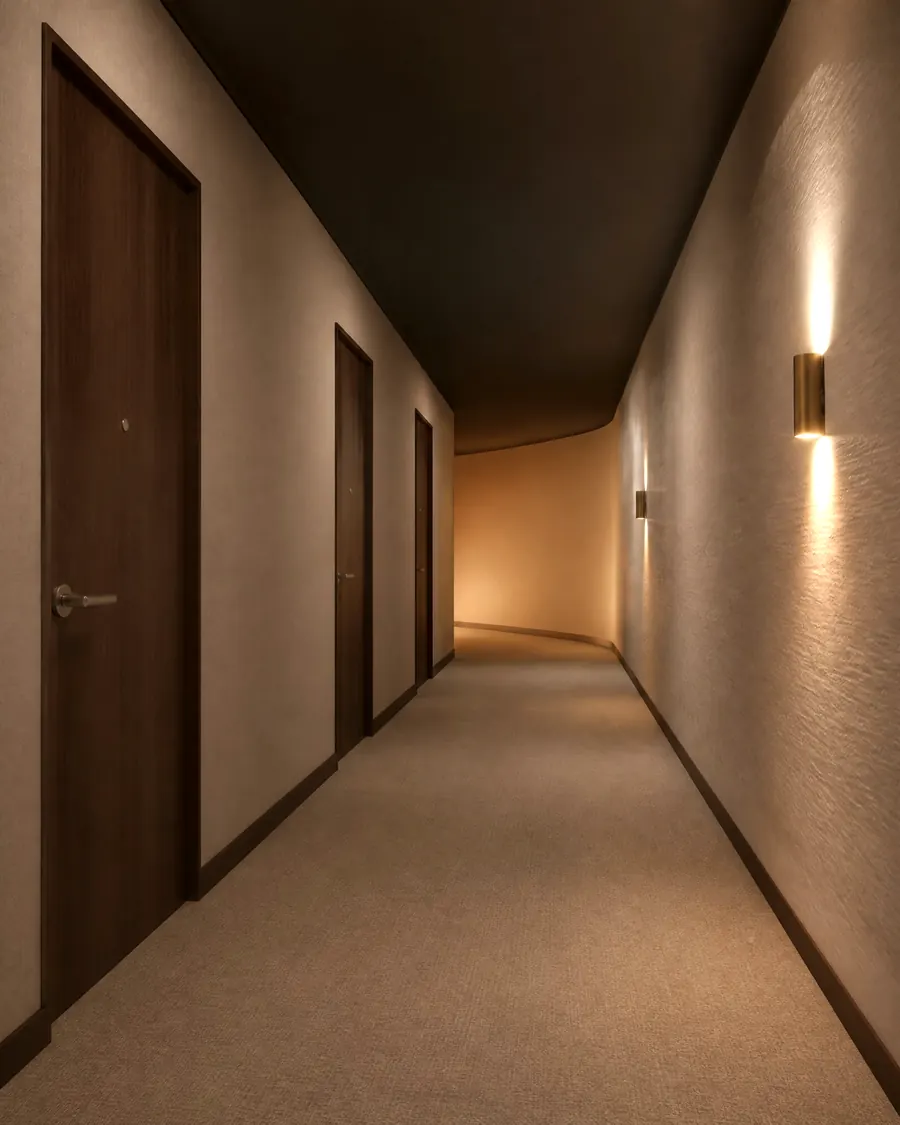
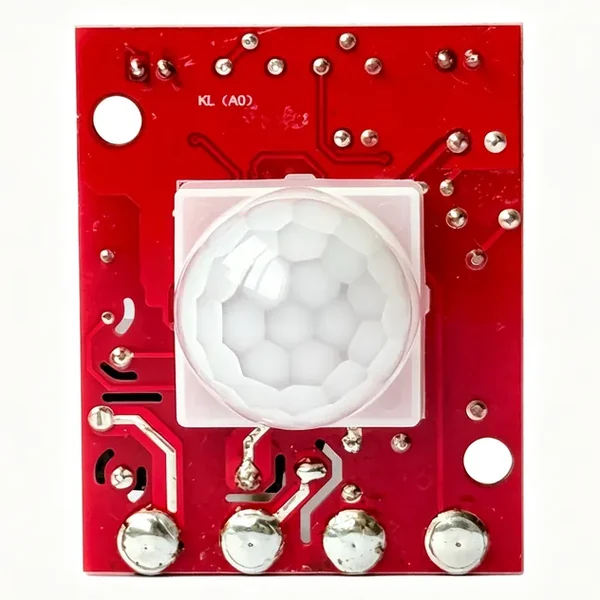
Confirm corridor indication, reset and the ticket evidence.
The clips show the sequence a site team follows; they are not a substitute for the model drawing. Confirm the terminal map, load and panel opening against the datasheet for the exact QL code before first power.
If the existing wiring differs from the clip, stop and request the model-specific terminal schedule. A generic installation sequence does not authorise a change to the room circuit.
Record the test result against the model and lot. Keep the clip, the drawing and the test record together so a later fault can be traced to the correct installation step.
Send the room schedule, target market and the released QL code or validation model you are planning with. The team replies with the model questions, document set and sample plan.
QUELEN / LEGAL
Last updated: 24 November 2026
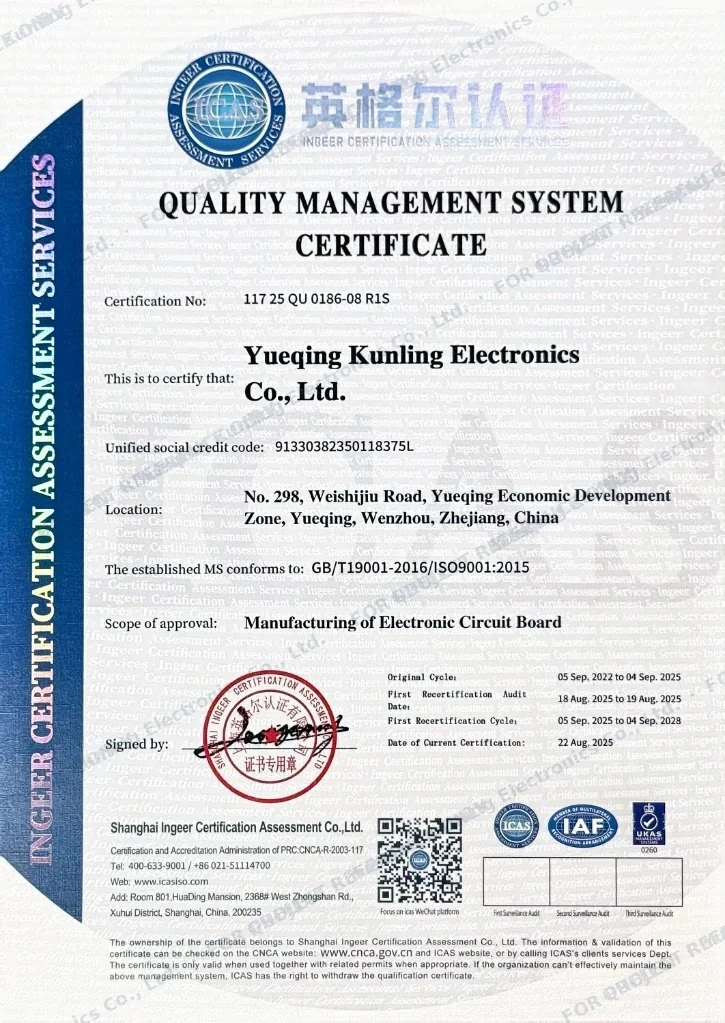
ISO 9001:2015 · Certificate 117 25 QU 0186-08 R1S · Scope: manufacturing of electronic circuit board · Valid 2025-09-05 → 2028-09-04. Issued by Shanghai Inger Certification Assessment Co., Ltd.